Access Your Favorite Formatting Features via an Integrated Toolbar
Effortlessly access your most used formatting features beside your slides with the Formatting Toolbar.
Leverage UpSlide precision formatting tools, such as Arrange, Smart Painter, and Custom Margins, on top of native PowerPoint functionality.
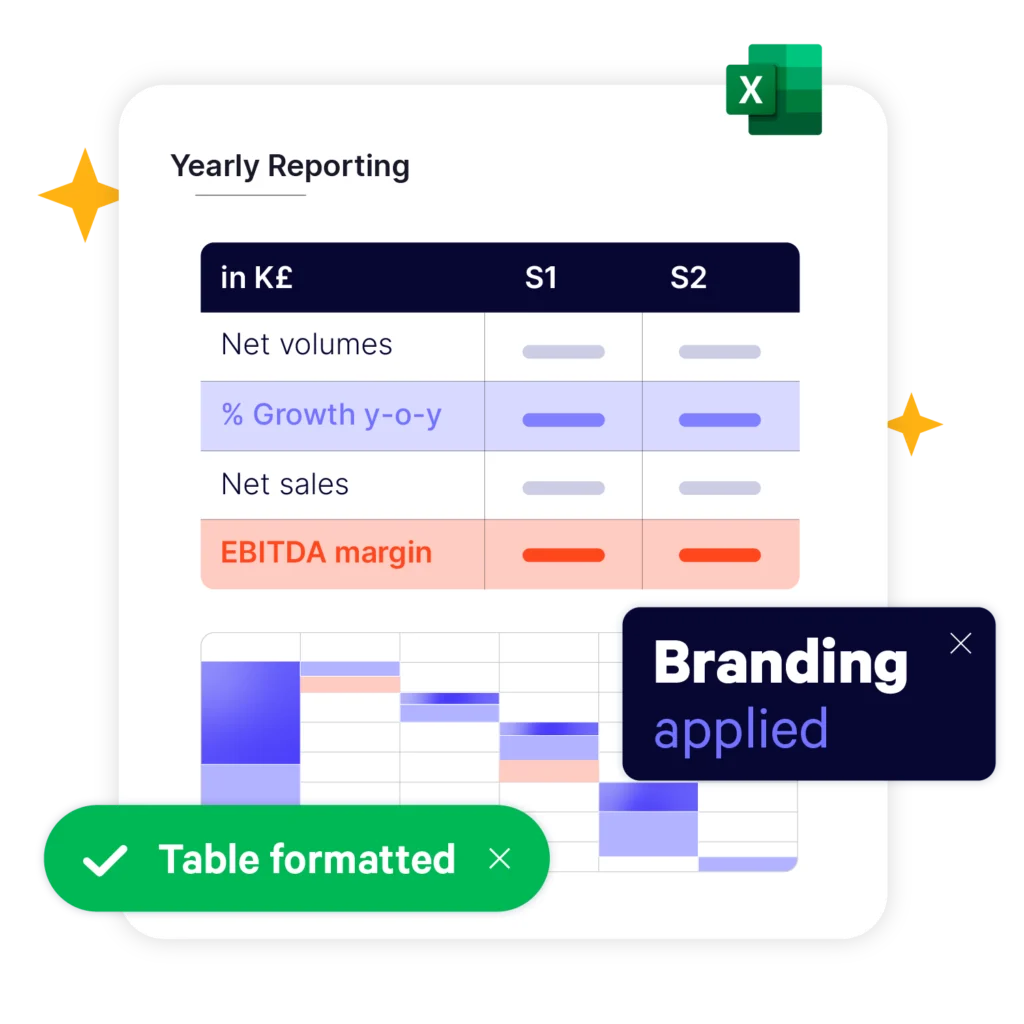
Format Slides, Shapes, and Text 50% Faster
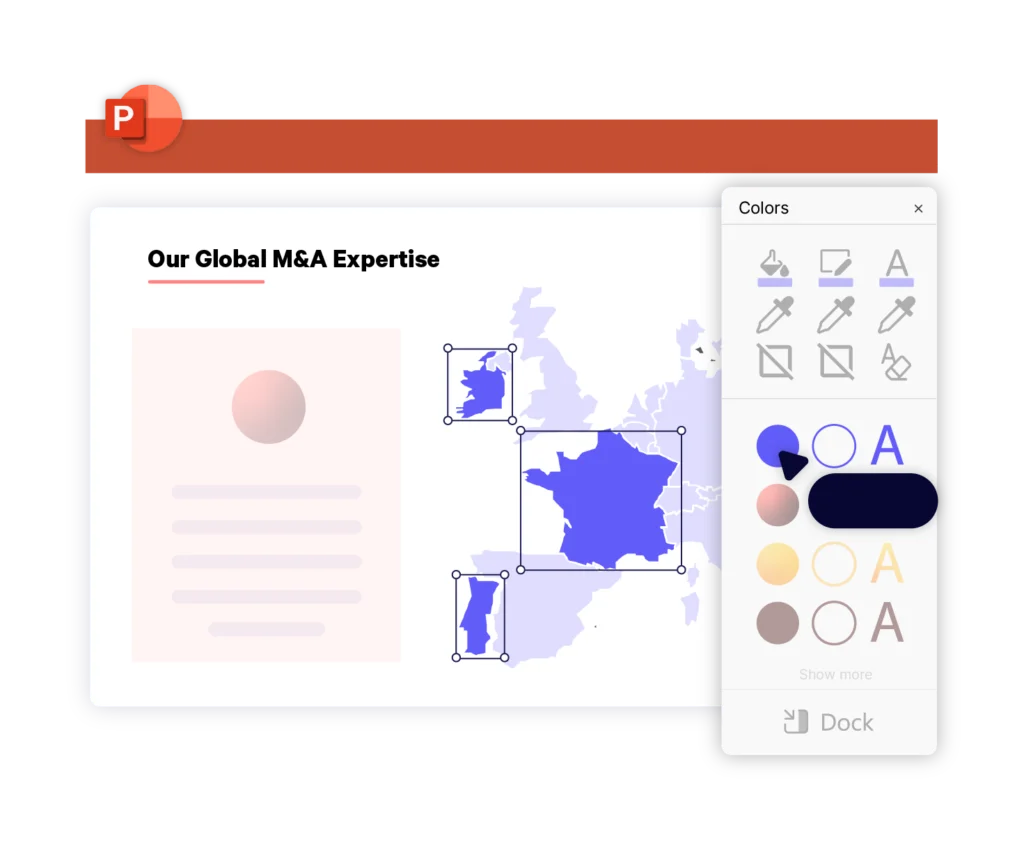
Instantly apply your graphic charter to your PowerPoint slides with the Colors Toolbar. The toolbar sits beside your slides, so you can add on-brand text styles, shape fills, and outlines to slide elements in one click.
UpSlide has so many features that help me produce flawless, on-brand deliverables, whilst working more productively in Microsoft 365 – Templates, Smart Painter and Arrange are just a few of these.
Ignacio Iglesias de Ussel, IB Associate, Clearwater International
The time we save with UpSlide can now be spent on adding value and quality in other places – and that is so valuable. It’s like the perfect concierge – working hard to take care of things behind the scenes.
Anthea Cumming, Head of Creative Services, Campbell Lutyens
UpSlide acts as an additional member of our marketing team – one that we can trust to guarantee that our global teams will produce brand compliant, high-quality deliverables.
How Does this Compare to Native Microsoft Functionality?
We built UpSlide features to answer the specific needs of finance professionals working heavily in Microsoft 365. While Microsoft offers an array of brilliant native functionality in PowerPoint, enabling users to group and align objects, we offer more comprehensive formatting features. With UpSlide, you can ensure all slide elements are perfectly sized, positioned aligned and branded.
How Secure is UpSlide?
Leading financial firms trust UpSlide thanks to our stringent security measures. We successfully completed a System and Organization Controls (SOC) 2 Type II audit, reflecting our commitment to the highest standards of security, availability, processing integrity and confidentiality.
We perform a security audit of our code before every release, use automated and manual testing to ensure each version meets strict quality and security standards, and integrate vulnerability management tightly within our development processes. UpSlide also integrates within your infrastructure, enabling you to keep full control of it. Even if you choose to use a cloud source for your library content, we still have zero visibility of your data.
How Much Does UpSlide Cost?
UpSlide prices depend on the number of licenses you require, the options you want and your setup model. Our Formatting Features need to be customized to your company branding, so aren’t included in our basic package. If you want to know how much UpSlide would cost for you, please get in touch with us, and our team will be happy to give you a personalized quote.
Can I Get an UpSlide Trial?
As UpSlide is a completely customized solution, we tailor our technology to your unique needs and brand, so you get a high ROI. Therefore, we don’t typically offer free trials. However, we do recommend having a chat with one of our experts to discuss your challenges in Microsoft 365 to see how we can help you achieve your strategic goals.