EXCEL MODELING TOOLS

Build and Interrogate Models Faster

Create, navigate, and audit complex Excel financial models with speed and precision, under the tightest deadlines.

Maintain Model Accuracy

Keep financial models consistent, error-free, and well-structured. Have confidence in models whether built manually or with AI.

Audit Models Easily

Trace logic and dependencies and spot inconsistencies across complex models instantly.

Build Models Faster

Instantly add formulas, track precedents, and solve errors with intuitive modeling tools.

Stronger Models. Smarter Insights.

Tools for every stage of the modeling process. Move faster while keeping models accurate and defensible.

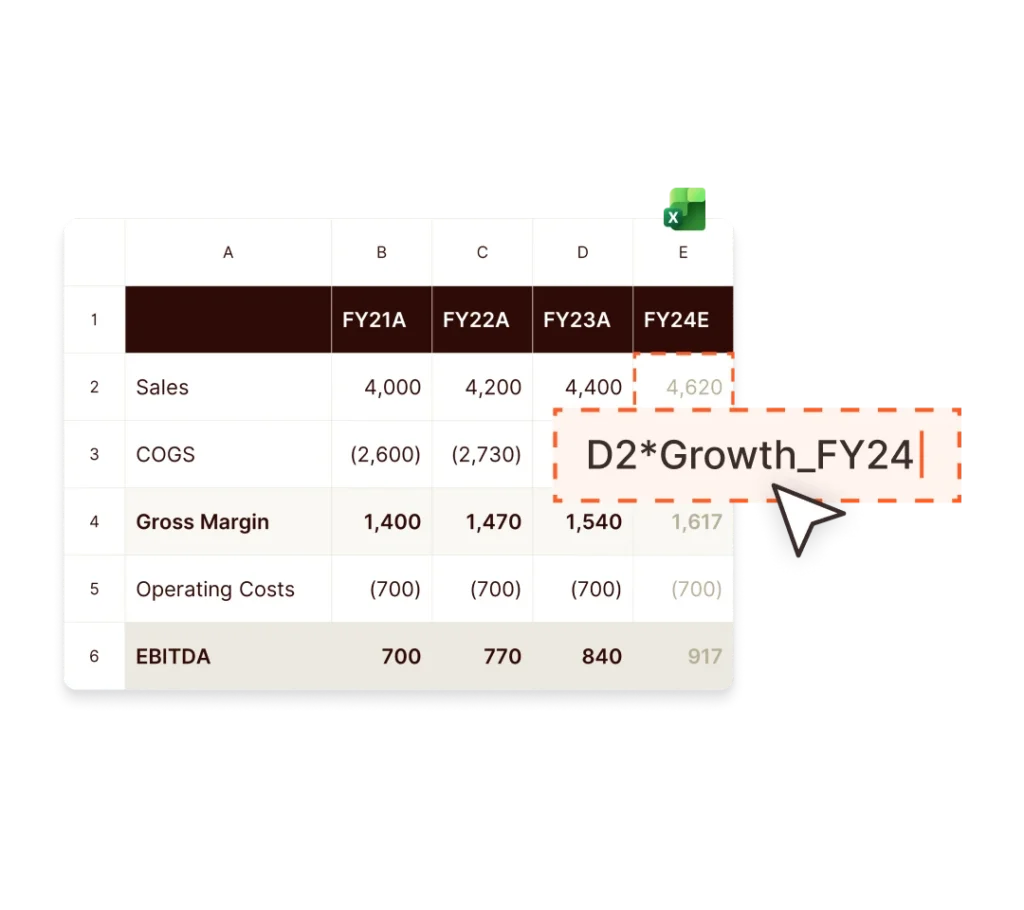
Financial model showing sales forecast calculation in a spreadsheet. D2*Growth_FY24 formula.

Models Built for Collaboration

Set up your LBOs, valuation or operating models with clear structure from the outset, so others can easily understand, review, and build on your work.

Insert common formulas like CAGR or IFERROR in one click, apply formulas across rows or columns instantly with Fast Fill, and manage scenarios cleanly with Advanced Paste. Navigate multi-tab models with ease, as assumptions evolve.


Review Models with Clarity

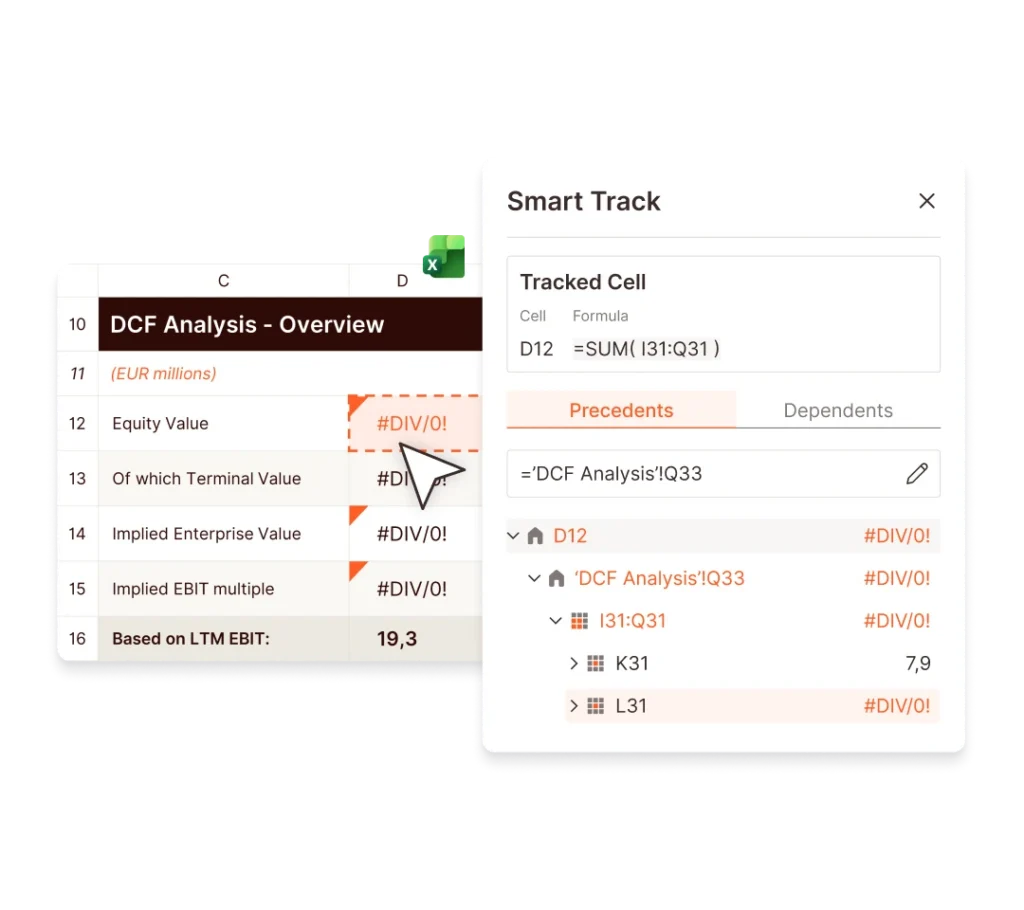
Instantly trace assumptions and dependencies with Smart Track, and spot inconsistencies with Formula Audit, so errors and logic breaks are immediately visible – whether the model was built manually or with the help of AI. Use Autocolor to visually separate inputs, calculations, and outputs for faster, clearer audits.

The result: cleaner forecasts and DCF and PPA models that are easier to review, present, and sign off.

Financial modeling tool showing a DCF analysis with tracked cells and formula dependencies.
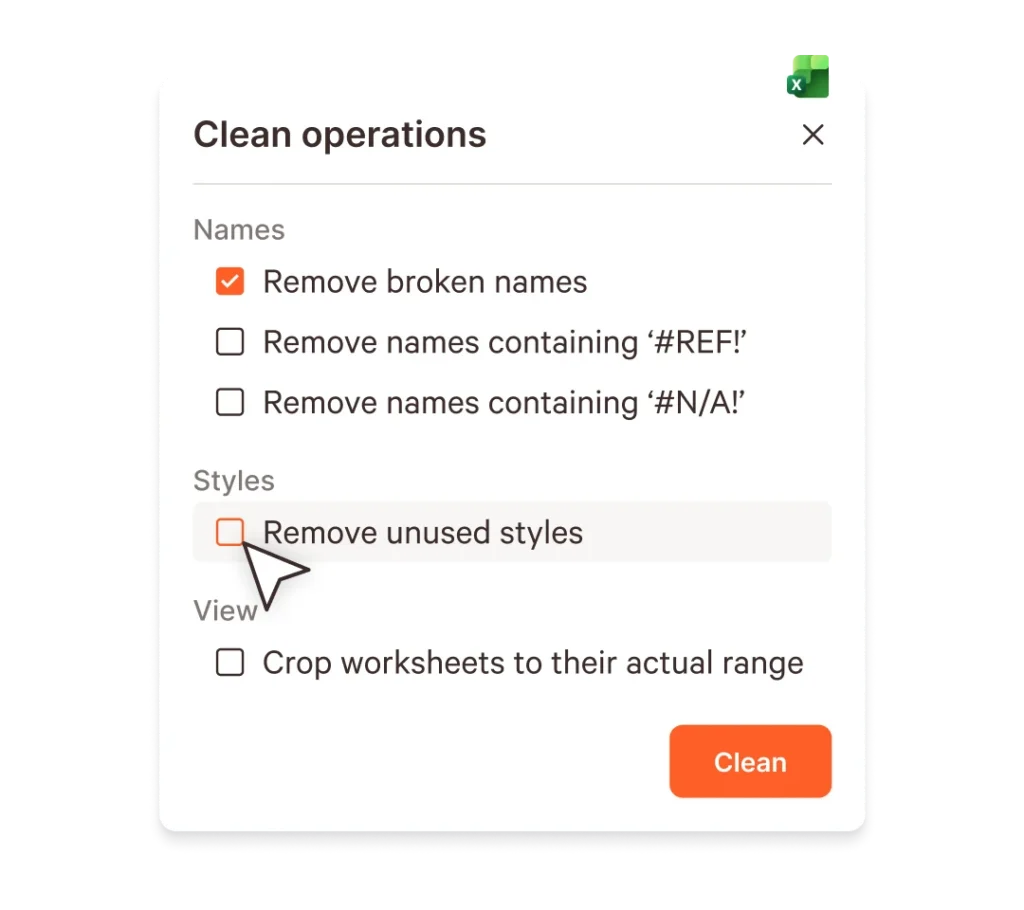
Dialog box from a financial modeling tool showing options to clean an Excel workbook, including removing broken names and unused styles.

Prepare Workbooks for Delivery

Finalize DCF, impairment, and transaction models before sharing with clients, auditors, or internal reviewers. Crop workbooks to relevant ranges, reset zoom levels, and replace formulas where needed. UpSlide standardizes formatting and protects key calculation logic, so every file sent is clean, controlled, and ready for review.

Your Complete Financial Modeling Toolkit

Linked Data That
Tells a Clear Story,

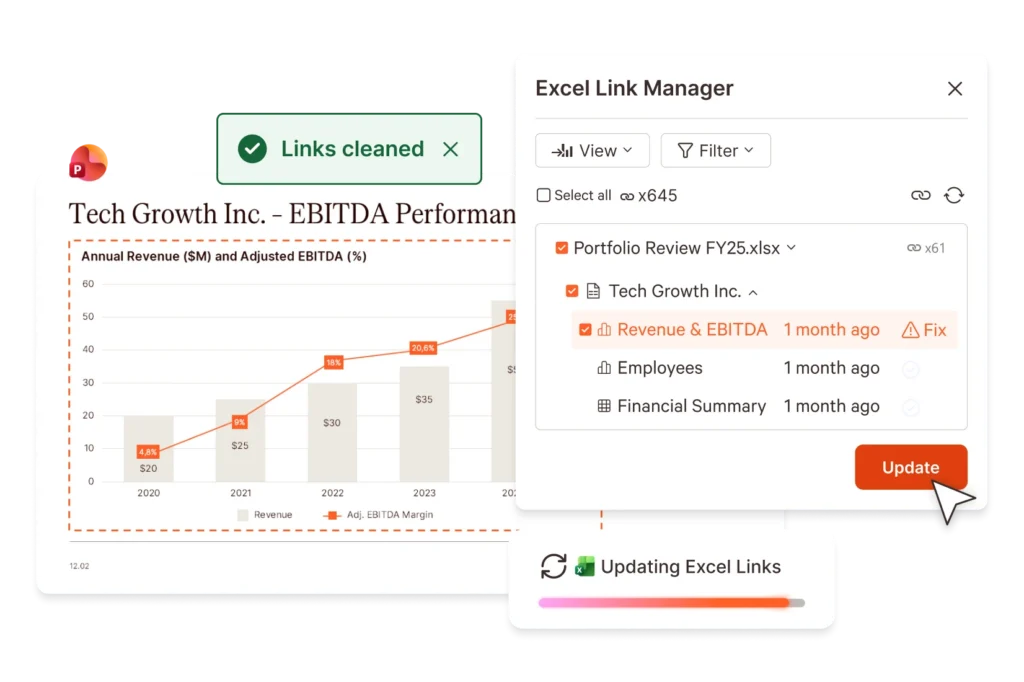
Build and audit models faster, create charts instantly, and update linked data everywhere.

Excel Link Manager showing data linking between a PowerPoint presentation and Excel files with an update button.

Trusted by
Finance Leaders

Modeling Done Right

From first build to final sign-off – faster, cleaner, and more reliable.

FAQs

How Does this Compare to Native Microsoft Functionality?

We built UpSlide features to answer the needs of finance professionals working heavily in Microsoft 365. While Microsoft offers an array of brilliant native functionality, we offer more specialist features that are tailored to the finance industry. Our Financial Modeling Tools enable you to avoid Excel’s native limitations, particularly when it comes to copy and pasting data.

Why Is UpSlide the Best Choice for Finance Firms with Heavy Modeling Needs?

UpSlide is particularly strong for finance firms with heavy modeling needs because it solves the exact pain points that arise when complex Excel models need to be translated into client-ready, error-free deliverables. The advantage isn’t just one feature – it’s how the platform connects modeling, document creation, and verification into a single workflow.

How Secure is UpSlide?

Leading financial firms trust UpSlide for its stringent security measures. We’ve completed a System and Organization Controls (SOC) 2 Type II audit, demonstrating our commitment to security, availability, processing integrity, and confidentiality.

We audit our code before every release, combining automated and manual testing to meet strict quality and security standards, with vulnerability management embedded in our development process. UpSlide integrates within your infrastructure, giving you full control – and even when using a cloud source, we have zero visibility of your data.

How Much Does UpSlide Cost?

UpSlide prices depend on the number of licenses you require, the options you want and your setup model. Our Financial Modeling Tools are an optional module and isn’t part of our standard offer. If you want to know how much UpSlide would cost for you, please get in touch with us, and our team will be happy to give you a personalized quote.