


































Use Cases
Ensure every high-stakes deck is accurate, consistent, and client-ready.
Build and audit models, create charts instantly, and update linked data, faster.
Prevent off-brand deliverables before they’re created and verify before sharing.
Ensure teams create on-brand, high-quality content – in Microsoft 365.
Industries
Win more mandates with faster, flawless due diligence, valuations and more.
Execute deals faster, manage portfolios efficiently and showcase your brand.
Deliver investment-grade materials that win and retain investors.
Prepare, update and review pitchbooks and IMs faster with built-in AI.
Teams
Standardize and automate pitchbook, IMs, and investor material creation.
No more brand policing. Empower teams to create consistent, on-brand content.
Take the scramble out of reporting with automated data, modeling, and AI reviews.
Secure, scalable enterprise AI for finance with fast, seamless rollout.
Webinar: Transforming Due Diligence Review with AI
Discover how UpSlide AI can boost consistency and confidence, and cut review times in half.
Top features

Airtight Reviews for Every Deck
Stress-test numbers and narrative with AI-powered review for complex finance deliverables.
AI Alone Won’t Build Your Pitch. Here’s What Will.
The gap between an AI-generated draft and a client-ready pitchbook is bigger than you think. A document production layer is what closes it.
our company
There are 165+ UpSliders delivering excellent service to all our clients.
Get in touch and our team will be happy to answer all your questions.
Leading financial services firms trust UpSlide with their most sensitive workflows.
Helping our people and clients work more sustainably in a world reshaped by AI.

From A to B Corp: UpSlide’s Mission for Positive Impact
Discover how we achieved our B Corp Certification.
UpSlide powers accurate, auditable and on-brand finance work in Microsoft 365 with built-in AI, automation – integrating with the AI tools your teams already use.
Build
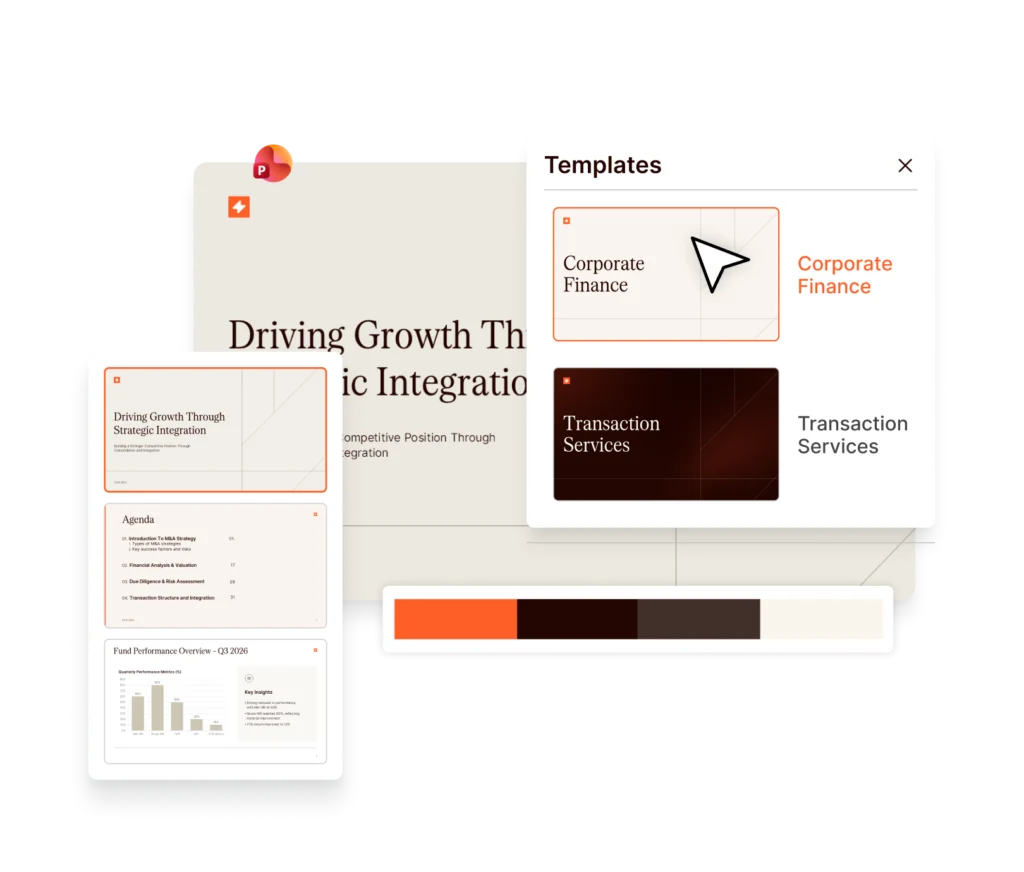
Claude and ChatGPT can draft fast, but not to your firm’s templates or standards. UpSlide brings your approved content and formatting into PowerPoint and Excel, turning AI-assisted drafts into client-ready work without hours of reformatting.
Refine
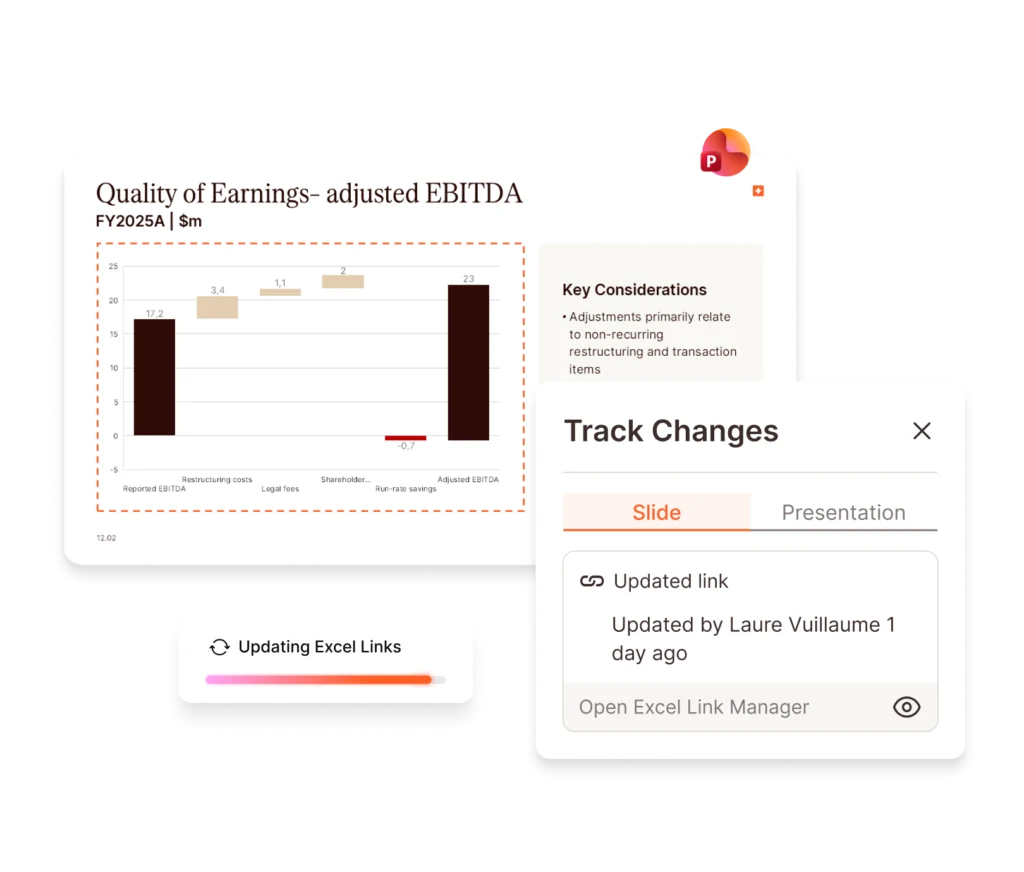
As your model changes and feedback is applied, figures and formatting stay aligned automatically, so decks stay accurate through every revision. Track Changes gives full visibility into every edit in PowerPoint, cutting review friction and speeding up sign-off.
Verify
Generic AI isn’t built to review complex financial decks reliably. UpSlide AI Consistency Check catches 4× more calculation errors, contradictions and inconsistencies than standard AI tools, right in PowerPoint, with every figure traced to source.
Build
Claude and ChatGPT can draft a pitchbook or a valuation model fast, but they don’t know your firm’s templates, formatting, or standards. UpSlide embeds them automatically into every deck and model, so speed doesn’t cost you hours of rework to get them client-ready.
Refine
Figures update instantly wherever your model changes, and formatting stays consistent as the deck evolves. Feedback and version tracking are built directly into your PowerPoint workflow – not buried in a wall of comments – cutting friction round after round, and getting you closer to client-ready.
Verify
AI is only as good as the prompt behind it. A one-click review from UpSlide is purpose-built for complex decks, catching 4x more calculation errors and narrative inconsistencies than standard AI tools – in half the time. Every figure traces back to source, so you have complete confidence in what you’re sending.
4x
As many issues found as generic AI tools, in half the time
5h
Saved per review per person
50%
Reduction in due diligence report review time
At a minimum, UpSlide Consistency Check should run on every project twice: once before Partner review, and again before sending to clients.
Bob van der Bor
Analyst – M&A Transaction Services
Deloitte Netherlands
UpSlide’s smart linking and automated formatting significantly streamlines my document and presentation workflows. Overall, UpSlide integrates effortlessly into my daily tasks, making it an essential part of my toolkit.
Andrew D. Eginton
Senior Associate,
KPMG via G2
This is the best all-in-one tool on the market for increasing productivity and enabling bankers to produce higher quality presentations more efficiently.
Claus Hansen-Damm,
COO,
BDA Partners
We’ve cut the time spent on pitch creation by up to 75% by using UpSlide. Before UpSlide, we would spend two hours creating an initial pitch. Now, we can create a highly-customized pitch in 30 minutes or less.
Benton Stuart,
Director,
Meridian Capital
UpSlide is a great tool to improve efficiency and present professional deliverables. Its intuitive design makes it easy to adopt and consistently effective. UpSlide sets a high bar with their deep commitment to client success and top-notch service quality.
Leandro Muñoz,
Transaction Services
Director,
Riveron via G2
UpSlide has streamlined our daily actions in Microsoft 365. Whether it be making sure content is consistent or increasing productivity, there’s a lot that UpSlide can be thanked for.
Vice President,
Greenhill
The efficiency gains will not only benefit our clients, but they will unlock energy and potential for creative thinking. This is much more fulfilling for our bankers, who are developing new skills and being more productive with their time.
Muge Mentes,
Head of CEEMEA
Debt Origination,
UniCredit
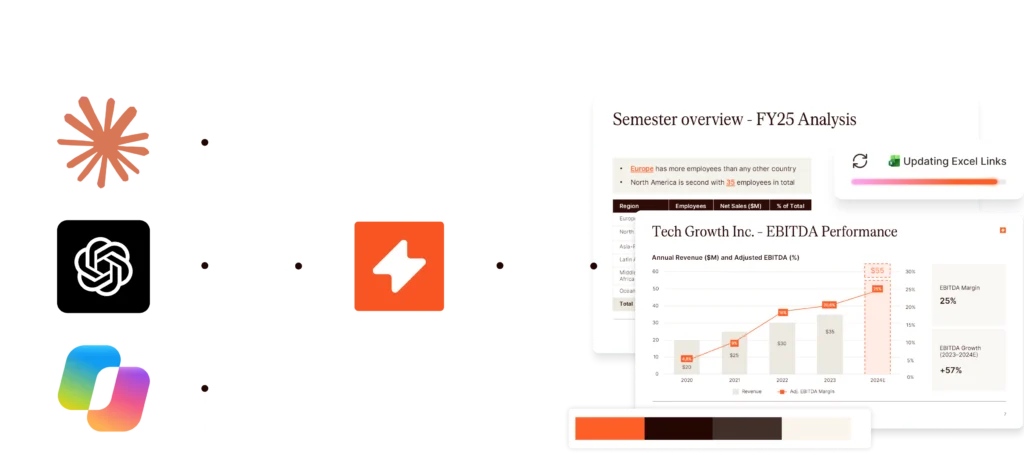
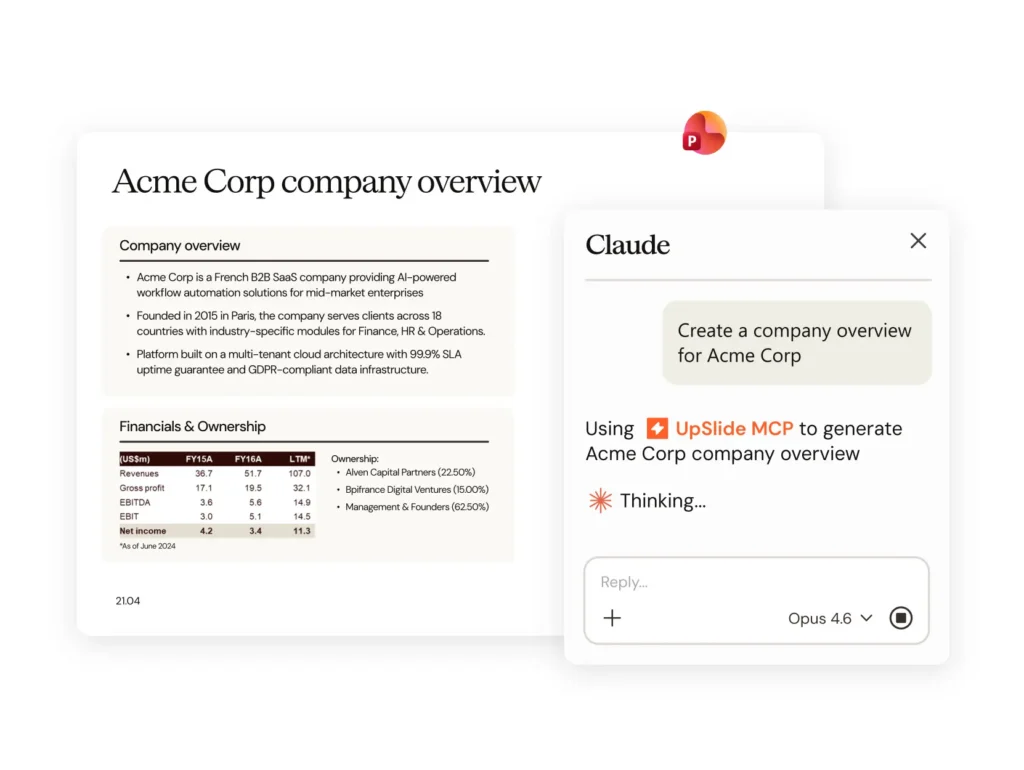
Connect Claude, Copilot, or ChatGPT to UpSlide via MCP, combining the speed of AI with the accuracy, control and traceability of UpSlide’s Microsoft 365 workflows.
Virtual Demo: AI Consistency Check
Client and Deal Teams
UpSlide keeps data accurate, branding consistent, and reviews moving. Teams spend less time on rework – and more time on analysis and winning deals.
Marketing and Communications
Give every team approved content and automated brand checks directly in Microsoft 365. Fewer last-minute fixes, less brand policing and more time for brand-building.
Finance and reporting
Simplify monthly, quarterly, and year-end reporting with automatic data updates, built-in modeling tools, consistent formatting, and AI-powered reviews.
IT and Operations
Deploy and govern one platform across Microsoft 365, giving every team access to secure, standardized document workflows without adding complexity to your technology stack.
UpSlide works directly inside PowerPoint, Word and Excel, so teams can act on AI output without switching tools or copying content from a chat window.
UpSlide uses controlled automation for repeatable tasks such as formatting, linking and document production, leaving AI to support the work that genuinely requires judgement.
Mechanical tasks run at fixed cost, so your AI tokens are spent only where judgment is actually needed.
UpSlide is an AI-powered productivity platform built for finance professionals – including those in M&A, transaction services, valuations, tax investment banking, and private equity – who create high-stakes documents daily. It integrates directly into Microsoft 365 to automate formatting, data and narrative accuracy, and brand compliance across PowerPoint, Word, Excel, Outlook and Power BI, so your team can focus on the deal, not the deliverable.
UpSlide installs as a native add-in for Microsoft 365 (PowerPoint, Word, and Excel, Power BI and Outlook), meaning your team works in the applications they already know. There’s no new interface to learn.
UpSlide’s implementation involves four main steps: kick-off, setup, user acceptance testing and rollout. The timeline will then depend on the level of customization needed, the number of users to train, and the options you choose.
On average this process lasts less than six weeks, during which our in-house team will be on-hand to answer any questions and ensure the deployment is a success.
UpSlide AI capabilities are purpose-built for financial services and work directly inside PowerPoint, so there’s no platform switching or disruption to existing workflows.
AI Consistency Check automatically reviews entire decks to detect miscalculations, contradictory commentary, and cross-slide inconsistencies across text, tables, charts, and visuals. In testing, it caught four times more errors than generic tools like ChatGPT or Copilot, twice as fast.
Beyond review, the AI Assistant lets teams shorten, translate, and refine presentation commentary directly from within PowerPoint using simple shortcuts. Admins can also configure custom pre-set prompts to make outputs more relevant to their specific workflows. And for teams that work with complex terminology, the AI Glossary instantly generates a formatted, alphabetically-ordered glossary slide by identifying and contextualizing abbreviations across the deck.
UpSlide links your financial data, including tables, charts and text, directly to your slides and documents. When the source updates, all linked figures update automatically and consistently in one click. Our AI checker also flags any miscalculations, inconsistent figures, or off-brand elements before you send.
UpSlide is a document production layer solution that works alongside AI tools such as Model ML, Rogo, Claude, ChatGPT and other AI assistants. These tools can quickly produce comps, market research and first drafts of slides. UpSlide helps financial services teams turn those drafts into client-ready presentations and reports.
That step takes the most time, work and accuracy: figures need to be traced to their sources, slides need to follow firm templates, and each new deliverable needs to be reviewed.
UpSlide helps at both stages:
UpSlide works with whichever AI tools your team uses. If those tools change, your templates, data links and checks stay in place.
Yes. UpSlide lets you build reusable, on-brand slide and document libraries that your team can assemble into full pitch books in minutes. Pre-built templates and one-click formatting mean your teams spend their time on analysis and delivering business value – not reformatting the same slide for the fifth time.
Absolutely. Administrators can lock fonts, colors, and sensitive slides so every document that leaves your firm is consistent – regardless of who created it. Users can also apply branding and formatting in one click, so they easily work within approved parameters.
Our user interface prioritizes simplicity, seamlessly fitting into your existing workflows. Access features through a user-friendly ribbon integrated into Microsoft 365 apps and benefit from customized training, in-app prompts, and tutorials to get the most out of UpSlide from day one.
Security is foundational to everything we build. UpSlide is SOC 2 Type II certified, ISO 27001 compliant, and built to meet the stringent requirements of global financial institutions. Your data is encrypted in transit and at rest, and we never use client data to train AI models. We can also support private cloud or on-premise deployments for firms with additional requirements.
UpSlide supports GDPR, SOC 2 Type II, and ISO 27001, and is regularly assessed against financial-services specific requirements. Our compliance documentation is available to enterprise clients on request, and our security team is happy to complete your firm’s vendor questionnaires.
UpSlide can be installed on any machine equipped with Microsoft Windows 10 and 11 (x32 or x64), Microsoft Office 2016, Office 2019, Office 365 Current Channel.
UpSlide is priced per user, per year, with enterprise agreements available for larger teams. Our prices depend on the number of licenses you require, the options you want and your setup model. If you want to know how much UpSlide would cost for you, please get in touch with us and our team will be happy to give you a personalized quotation.
UpSlide has a minimum license requirement of five. We believe this is the minimum necessary to see how the value of consistent branding, data linking, and AI-driven workflows compounds. Whether you’re a team of 10 or 50,000, we will support and advise on your challenges to ensure you get the most of out of the solution. Reach out and we’ll be honest about whether UpSlide is the right fit.