





TEMPLATES AND TABLE OF CONTENTS
Create Quality Deliverables at Speed With On-Brand Templates
Teams can move rapidly while keeping branding, page numbers, and breadcrumbs consistent, thanks to templates and table-of-contents automation built into Microsoft 365.
Deliver Faster
Teams spin up high-quality decks rapidly and spend time on insights – not copying old slides or building TOCs.
Raise Quality Standards
Well-structured, brand-compliant pitchbooks, due diligence reports, and fund materials become the default globally.
Adapt Effortlessly
When slide titles change or content moves around, UpSlide ensures the breadcrumbs, page numbers, and reminders stay perfect.






Admin-Friendly For Effortless
Content Management
Intuitive Library Structure
Organize libraries to fit your workflows or the structure of your documents. Finding the right content feels intuitive for everyone.
Built-In Feedback
Notify users about new updates. They can suggest changes or flag issues via M365, so your content’s always fit for purpose.
Effortless Global Updates
Use tags to quickly find content that needs reviewing. Update tombstones, bios, and slide content everywhere, instantly.
How Teams Build Client-Winning Deliverables in UpSlide
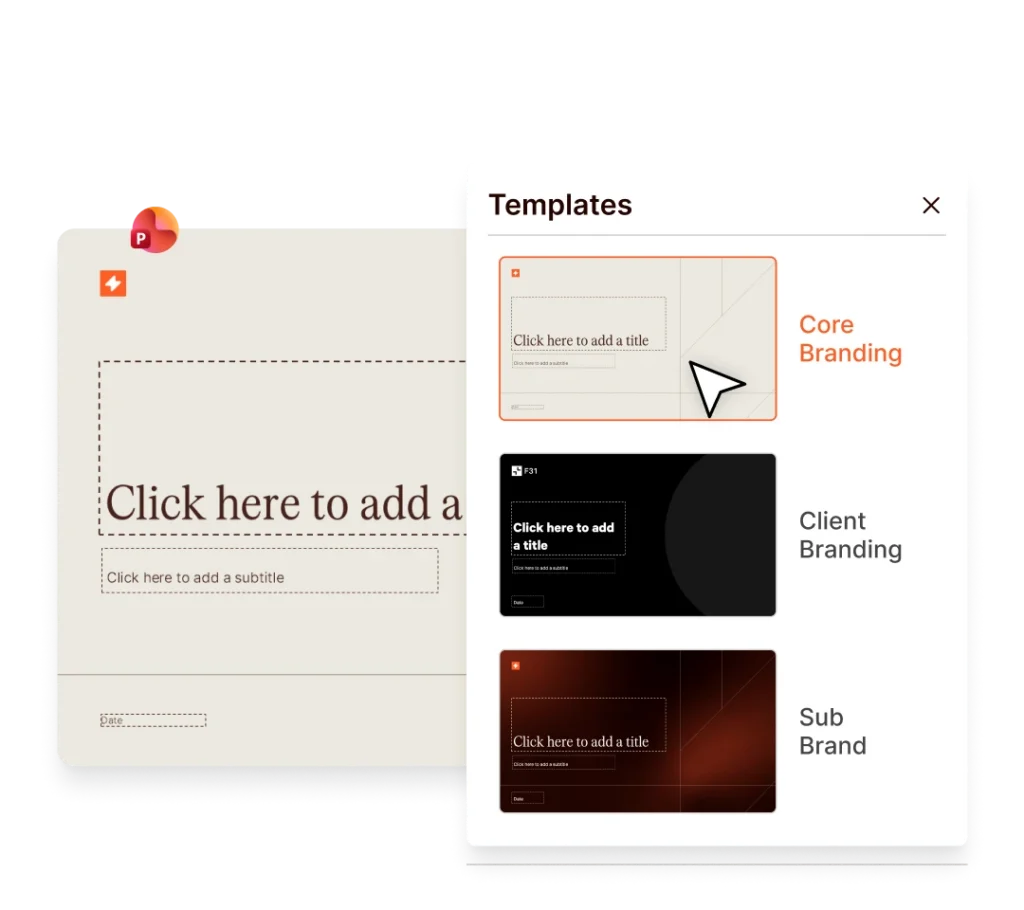
Access Standardized Templates from the Microsoft 365 Ribbon
Use Standardized Templates for Every Scenario
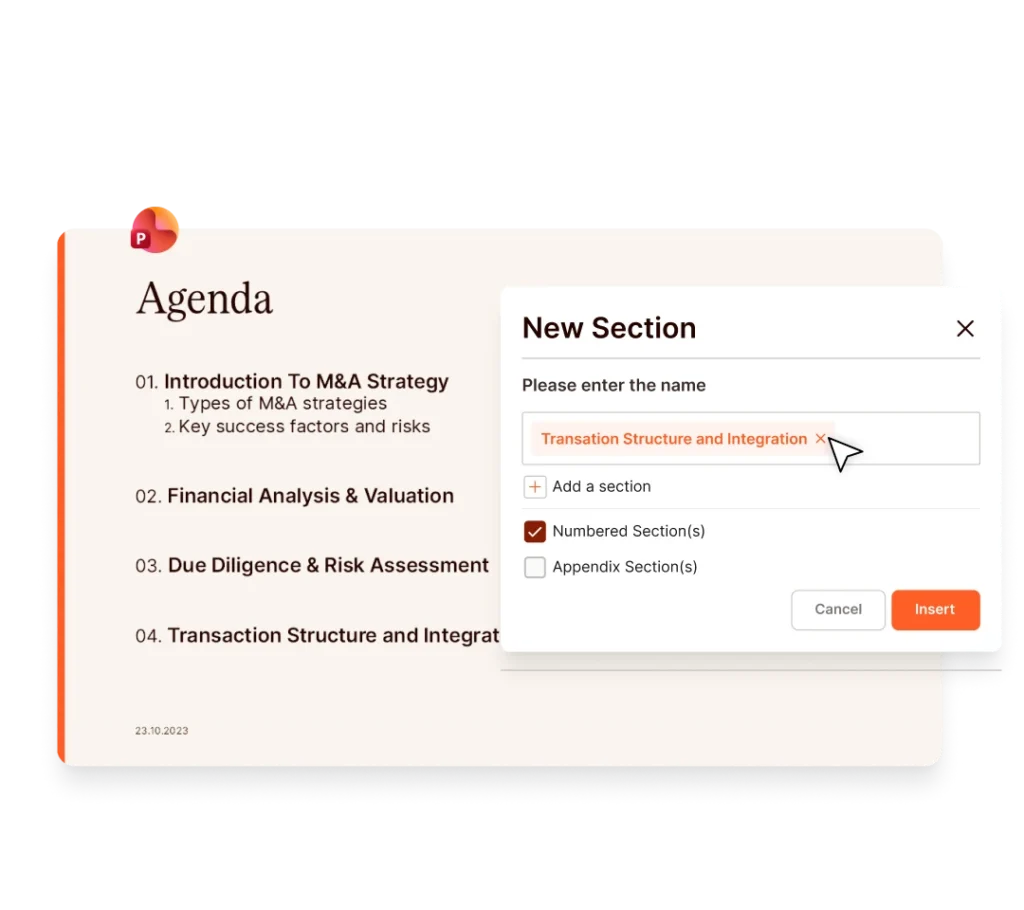
Create a PowerPoint Table of Contents in One Click
Customize Your PowerPoint Table of Contents for Maximum Clarity
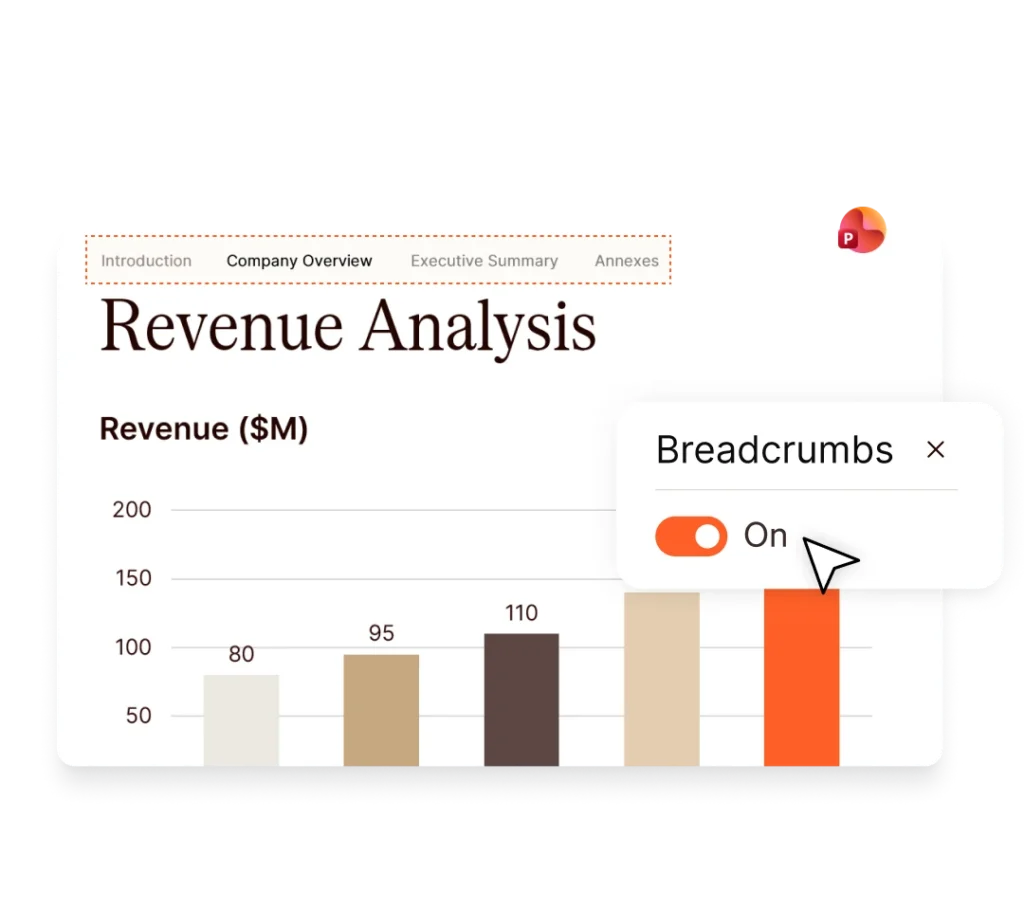
Keep References Accurate
Generate an AI Glossary in Seconds
VP, Greenhill


Samantha Cottle, Marketing Director, Clarksons


Yuiko Kawabata, Operations Manager, BDA Partners

We used to spend 3 hours creating and updating our PowerPoint Table of Contents. Now we do it in one click.

Oriane Benveniste Profichet, M&A Director, Cambon Partners
Structure Your Message With No Manual Formatting
Table of Contents
Insert a fully branded, automated TOC that updates automatically as sections move or evolve.
Section Titles
Generate perfectly formatted, branded section divider slides, aligned to your firm’s branding.
Breadcrumbs
Keep readers oriented with dynamic section tracking across your entire deck.
Cross-References
Link within your deck with dynamic slide references that automatically update when slides move.
Reminders
Add prompts to guide readers and contributors through your narrative.
AI Glossary
Generate a perfectly formatted, alphabetised glossary slide in seconds – with AI that understands context and applies your brand styling automatically.
Footnotes
Add and manage footnotes consistently across slides, maintaining professional formatting.
Endnotes
Centralize references at the end of your deck with automated numbering and alignment.
Build Branding Into
Every Detail
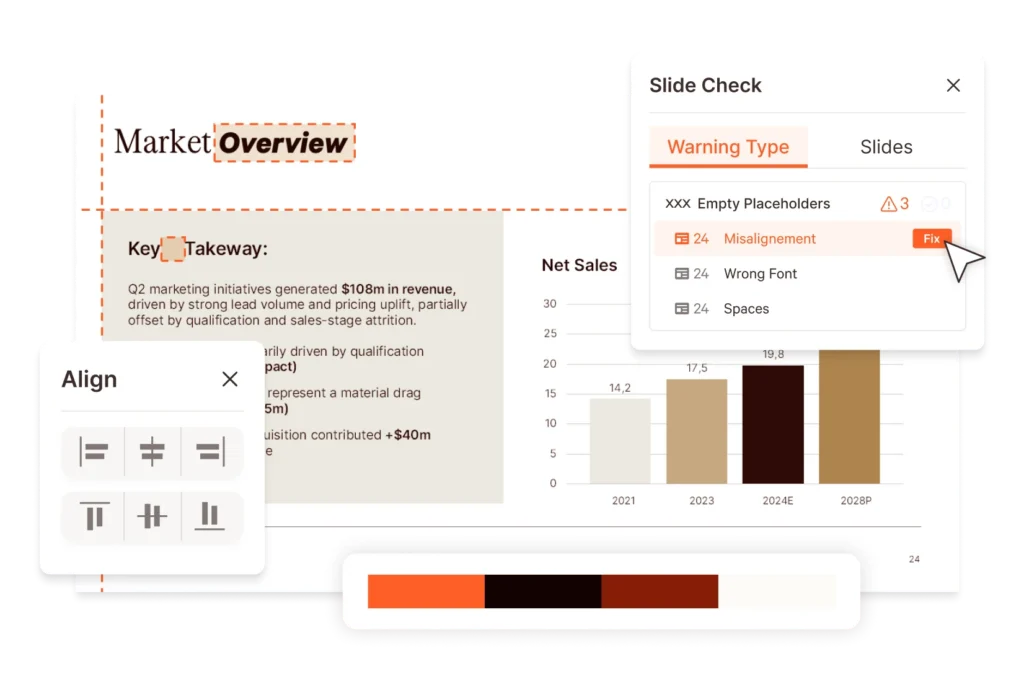
Templates and TOC are the beginning. Now automate every aspect of brand compliance – from arranging the first slides to spotting inconsistencies in the final draft.
Structured. On-Brand. Ready to Send.
Discover how automated templates and navigation help leading financial services companies work faster – and still deliver high-quality documents.
FAQs
Can I Build a Pitch Deck Template in PowerPoint?
UpSlide’s Template Management features allow you to create a pitch deck template along other finance PowerPoint templates, and save it within PowerPoint. You can then build full pitch decks from scratch, and distribute the template to your teams in PowerPoint for guaranteed efficiency and consistency.
How Can I Build a Finance PowerPoint Template?
Receive guidance from our in-house template management experts, who will help you every step of the way; from offering design expertise to integrating templates into the UpSlide ribbon.
Do Templates Come with PowerPoint Sections and Subsections?
Yes. Every UpSlide PowerPoint template comes with a built-in automated table of contents. UpSlide allows you to insert PowerPoint sections and subsections that will update automatically within your agenda slide.
How Does this Compare to Native Microsoft Functionality?
We built UpSlide features to answer the specific needs of financial services professionals working heavily in Microsoft 365. While Microsoft offers an array of brilliant native functionality, like their generic document templates, we offer more specialist, customizable features that are tailored to the finance industry. With UpSlide’s template management, you will ensure long-term brand compliance.
What Happens When I Add a Section to a Presentation with UpSlide’s Table of Contents?
Native PowerPoint allows you to organize slides into sections by right-clicking between slides and choosing the “Add Section” button. This will then separate your deck into distinct sections.
With UpSlide, once a PowerPoint section is added to your presentation, it will automatically populate within your agenda slide. The agenda slide will update whenever you refresh all sections and subsections in PowerPoint.
How Do I Add a New Section to My Presentation?
Within native Microsoft 365, you can right-click between slides and select the “Add Section” button. This will then create a section within your deck.
With UpSlide, you can find the control to add a section to your presentation at the top-left of your UpSlide ribbon.
How Secure is UpSlide?
Leading financial firms trust UpSlide thanks to our stringent security measures. We successfully completed a System and Organization Controls (SOC) 2 Type II audit, reflecting our commitment to the highest standards of security, availability, processing integrity and confidentiality.
We perform a security audit of our code before every release, use automated and manual testing to ensure each version meets strict quality and security standards, and integrate vulnerability management tightly within our development processes. UpSlide also integrates within your infrastructure, enabling you to keep full control of it. Even if you choose to use a cloud source for your library content, we still have zero visibility of your data.
How Much Does UpSlide Cost?
UpSlide prices depend on the number of licenses you require, the options you want and your setup model. If you want to know how much UpSlide would cost for you, please get in touch with us, and our team will be happy to give you a personalized quote.
Can I Get an UpSlide Trial?
As UpSlide is a completely customized solution, we tailor our technology to your unique needs and brand, so you get a high ROI. Therefore, we don’t typically offer free trials. However, we do recommend having a chat with one of our experts to discuss your challenges in Microsoft 365 to see how we can help you achieve your strategic goals.