Deloitte Netherlands Unifies Reporting Workflows with UpSlide
8h+ saved/user/month
2x faster report updates
Having one agreed-upon, standard tool really helps us exchange data and information, making the whole reporting process much more efficient and streamlined.
Justin Hamers
Partner, M&A Transaction Services
Most Used Features
Template Management
Keep branding and structure consistent, with templates automation built into M365.
PowerPoint Track Changes
Automatically track, review and manage edits in your presentations.
Excel to PowerPoint & Word Link
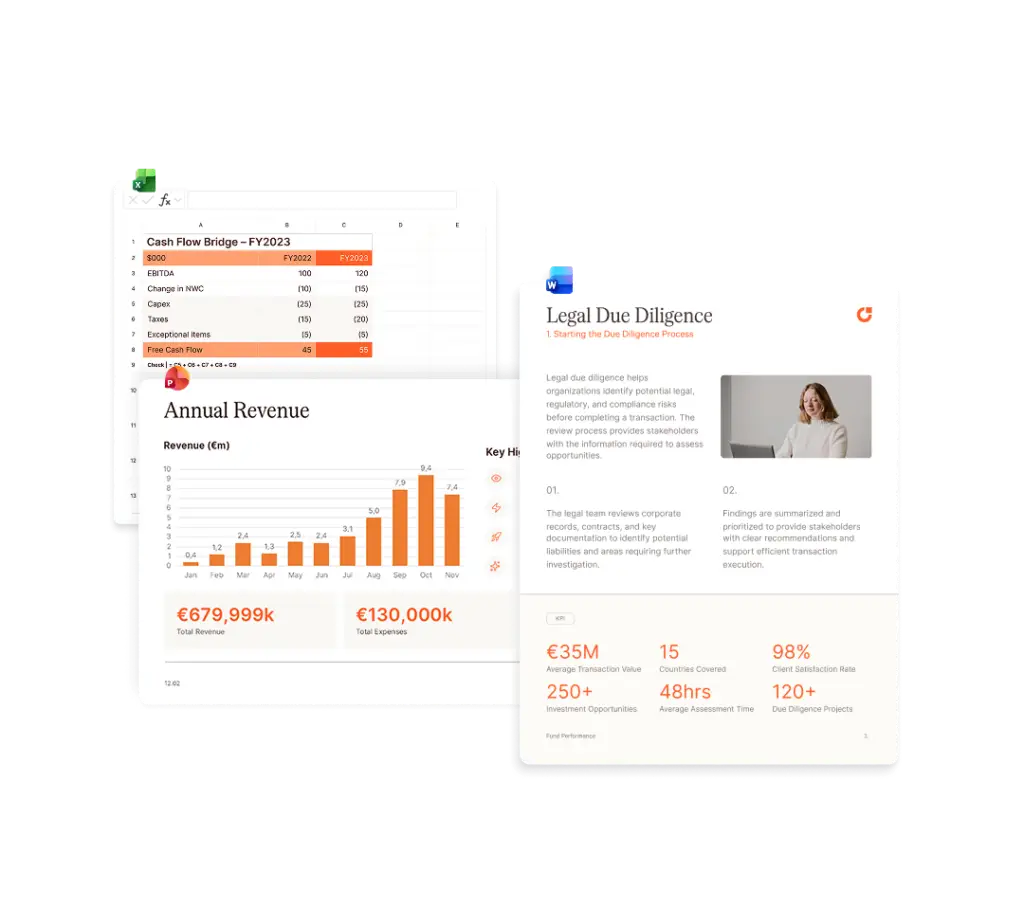
Link and update Excel tables and charts to PowerPoint or Word instantly.
Context and Objectives
Transaction Services, Valuation & Modeling, M&A Tax, DCA, and Value Creation Services teams across Deloitte Netherlands routinely collaborate on the same engagements. Over time, however, their reporting workflows, templates, and technology had developed in different directions.
Deloitte Netherlands engaged UpSlide in a cross-team initiative to transform dated reporting processes and legacy tooling with a dependable document production solution.
Give employees intuitive tools for faster reviews and consistent client output.
Harmonize templates and report structures across firmwide Advisory teams.
Reduce manual drafting and copy-and-paste work for high-stakes deliverables.
Challenges
Varied Templates Across The Service Line
Teams within the service line each kept their own templates with no shared source of truth for what a client-facing report should look like. Combining input from multiple teams into a single deliverable meant significant time spent manually reformatting tables, charts and text to match one look and feel.
Manual Reporting Workflows
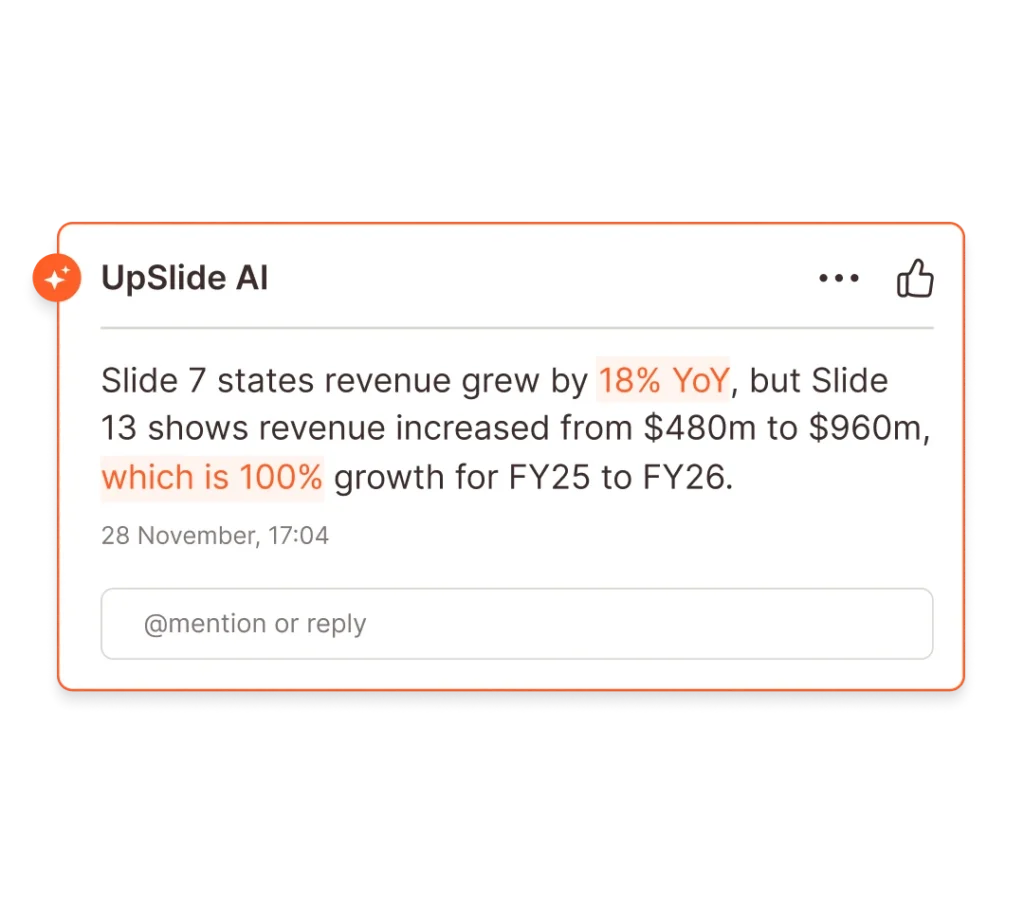
Initially, when their financial models faced last-minute changes, teams would have to manually re-paste every affected table and chart in their decks. It was easy to update one page while leaving another out of sync. A full report refresh could then take hours, with no guarantee that every table and reference matched by the time the work was delivered.

Legacy Tooling and Maintenance
Several teams across the service line relied on legacy formatting tools that were becoming a burden to service and maintain. When the tools crashed, teams could lose significant time repairing them and amending the deliverables by hand.
The UpSlide Project
“We’re modernizing our due-diligence offering and bringing more technology into the way we work. UpSlide was extensively tested with our practical users and became an important part of transforming the reporting process.”
Justin Hamers
Partner, M&A Transaction Services
What Benefits Have You Seen From Implementing UpSlide?
“On average, linking data models to our reports with UpSlide can easily save each team member one to two hours a week. Track Changes also streamlines the review process, while aligning data and templates across service lines makes the entire reporting process more efficient.”
Project Highlights
“UpSlide creates the potential for around 250K in revenue every six months. Definitely worth the investment.”
Project Impact
Reliable, Efficient Report Updates
Streamlined Cross-Team Processes
Reduced Client-Facing Risk
“IT takes part in 150 implementations a year, going from SaaS to full builds. This was one of the smoother ones. Easily top five.”
Samuel Allen
IT Business Partner
What Was It Like Working With UpSlide?
“The implementation and rollout guidance had clearly been tried, tested and refined. It’s very rare to see such detailed onboarding information. At every stage, we knew exactly who to contact and what we needed to do.”
What Was Your Experience Of The Security Assessment With UpSlide?
“UpSlide’s technical teams engaged directly with ours throughout the vendor cyber-risk assessment. They supported us with the information we needed around certifications, penetration testing, encryption in transit and at rest, and single sign-on. We had good support on those detailed technical questions, and there were no high-risk findings.”
Project Impact
Reduced Internal IT Burden
Security-Ready Deployment
Smooth Enterprise Implementation
“Previously updating a complete report would have taken four hours, excluding the time for updating the model itself. Compared to my own experience with UpSlide, when I had to update a report, it took me two hours—including the time for updating the financial model itself and updating all the tables and text in PowerPoint.”
Dustin Inesia
Senior Manager, M&A Transaction Services
What Benefits Have You Seen From Implementing UpSlide?
“Teams spend less time reformatting and more time providing value-added services. Linking tables, charts and text with UpSlide helps prevent discrepancies that could lead to uncomfortable conversations with the client.”
How Was Your Experience of The UpSlide Rollout?
“The training covered every important feature we wanted to highlight and was tailored to each team’s specific needs, which helped people understand the benefits for their own work.”
“UpSlide gives us the tools that we need, and it’s very intuitive to use them. You don’t need to have a lot of computer experience to still get the output of an experienced person.”
Erwin Humme
Manager, M&A Tax
What Was The Transition Like From The Legacy Tool to UpSlide?
“Before UpSlide, we relied on an internal tool that had been built by one person around ten years earlier. If it crashed, we would lose around eight hours fixing it. With UpSlide, that problem has been resolved. Report formatting is reliable, the output looks good, and the tool is easy and intuitive to use.”
How Was Your Experience of The UpSlide Rollout?
“Our experience with the onboarding process was very pleasant. The UpSlide team was on top of it and always available. Even after we went live, the updates and continued engagement were really positive. They kept asking for feedback and what was working well, so the experience has been really nice.”
The impact of UpSlide is that we work in a consistent format throughout all the teams. That means the client recognises a Deloitte report, no matter which team it is.
I think it is a powerful message: that we work as one. It adds to our strategy, but also adds value to the client experience from multiple angles.
Erwin Humme
Manager, M&A Tax
Impact
Reliable, One-Click Reporting Automation
“Within a live engagement, we can directly link tables, charts and even text to our financial model in Excel. If anything changes, one click refreshes the whole report.”
Smoother Cross-Team Collaboration
“People are very happy with the stability the platform provides, and with the ease of exchange between service lines once it’s set up right. When you’ve started a project in UpSlide from the beginning, it’s very stable and easy to shift parts of the report in and out.”
Firmwide Brand Consistency
“We wanted everything we send to clients and third parties to have the same look and feel, so while onboarding UpSlide we harmonized all our templates – the same fonts, colors, and look and feel across every team.”