








Use Cases
Ensure every high-stakes deck is accurate, consistent, and client-ready.
Build and audit models, create charts instantly, and update linked data, faster.
Prevent off-brand deliverables before they’re created and verify before sharing.
Ensure teams create on-brand, high-quality content – in Microsoft 365.
Industries
Win more mandates with faster, flawless due diligence, valuations and more.
Execute deals faster, manage portfolios efficiently and showcase your brand.
Deliver investment-grade materials that win and retain investors.
Prepare, update and review pitchbooks and IMs faster with built-in AI.
Teams
Standardize and automate pitchbook, IMs, and investor material creation.
No more brand policing. Empower teams to create consistent, on-brand content.
Take the scramble out of reporting with automated data, modeling, and AI reviews.
Secure, scalable enterprise AI for finance with fast, seamless rollout.

Webinar: Transforming Due Diligence Review with AI
Discover how UpSlide AI can boost consistency and confidence, and cut review times in half.
Top features
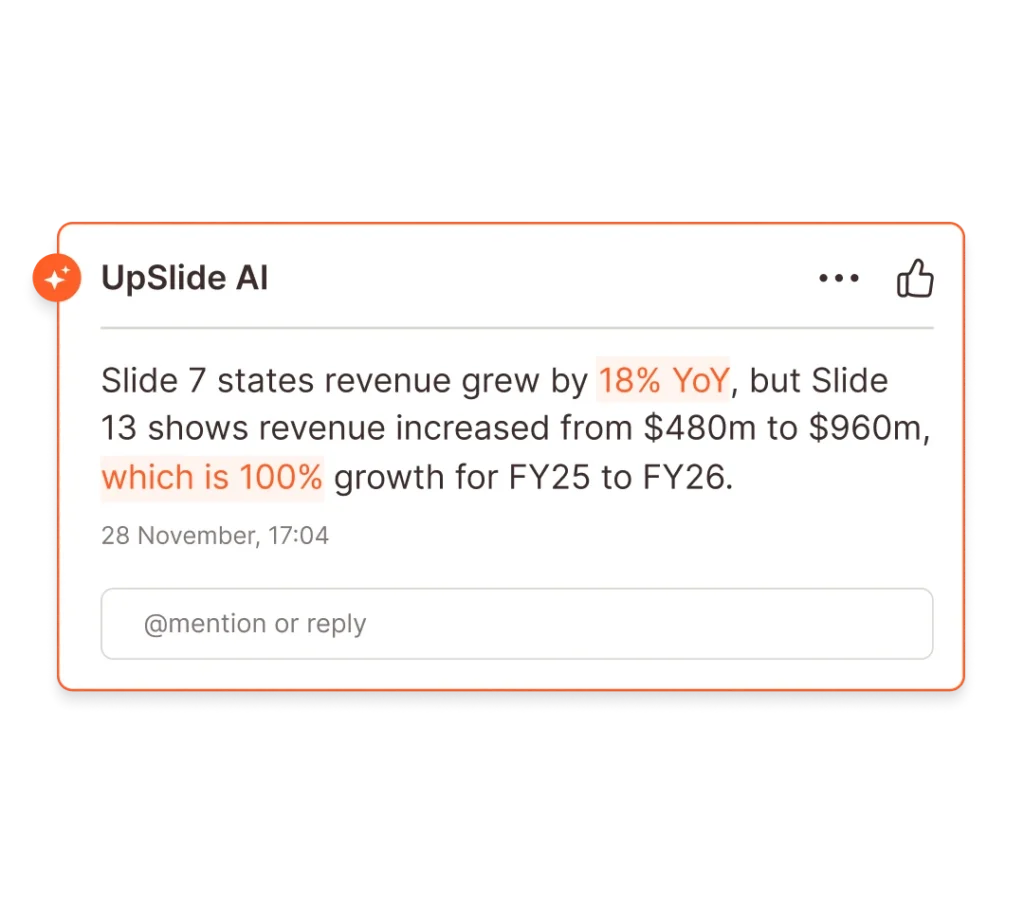
Airtight Reviews for Every Deck
Stress-test numbers and narrative with AI-powered review for complex finance deliverables.
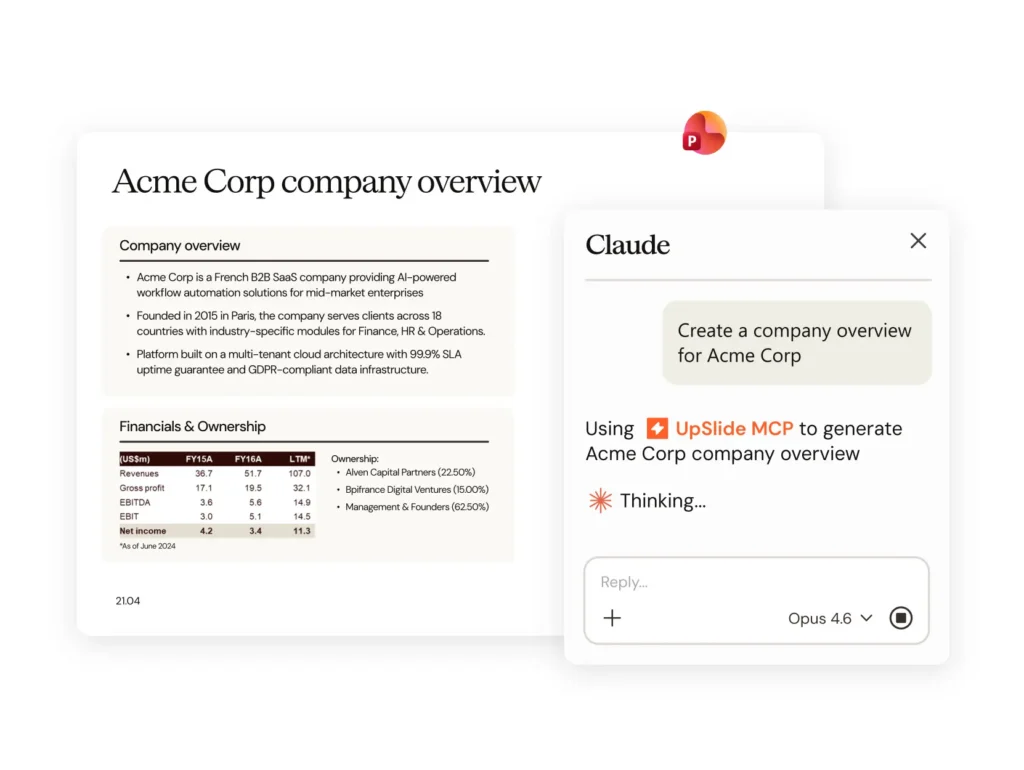
AI Alone Won’t Build Your Pitch. Here’s What Will.
The gap between an AI-generated draft and a client-ready pitchbook is bigger than you think. A document production layer is what closes it.
our company
There are 165+ UpSliders delivering excellent service to all our clients.
Get in touch and our team will be happy to answer all your questions.
Leading financial services firms trust UpSlide with their most sensitive workflows.
Helping our people and clients work more sustainably in a world reshaped by AI.

From A to B Corp: UpSlide’s Mission for Positive Impact
Discover how we achieved our B Corp Certification.
13+ years with UpSlide
2k+ users
50+ regions
Thanks to UpSlide’s Excel to PowerPoint Link, we can finally spend more time on reporting and analysis instead of collecting and checking figures.
Thibaut de Clerck,
Head of Management Control, IFS, BNP Paribas
Link and update Excel tables and charts to PowerPoint or Word instantly.
Give teams instant access to branded documents, assets and templates within Microsoft 365.
International Financial Services (IFS) combines specific complementary activities at BNP Paribas Group. These include international retail banking, insurance, private banking and asset management.
The Management Control team consolidates and analyzes accounting data across all IFS entities.
Various quarterly reports are produced throughout the financial year to forecast and interpret figures, focusing on budgets, estimations and final outcomes.
UpSlide optimizes our recurring reports compiled from the same source files.
Thibaut de Clerck, Head of Management Control, IFS, BNP Paribas
There are several stages to optimizing reports:
The main challenge for the team is finding more time to spend on the final stage of analysis and writing.
UpSlide allows us to optimize Excel data extraction and updates as well as duplication in PowerPoint.
Now, all we have to do is update the Excel file and our PowerPoint reports are then updated with the latest available financial data.
As soon as new figures are integrated into the PowerPoint report draft, our team can review them, comment on changes and forecast discrepancies.
Now just one person can take care of extracting and updating our data. This allows the rest of the team to concentrate on tasks that add value.
Thibaut de Clerck, Head of Management Control, IFS,
BNP Paribas
“The ability to update multiple Excel links at once in PowerPoint is a precious time saver when working on reports which are more than 180 pages long!
We also create text links from specific Excel cells, which saves us having to make the same changes in PowerPoint.”
“The Go to Source function helps us to quickly find the Excel source file for a PowerPoint report chart or table.”
“I’m a big fan of the Send feature. Now we can send a set of PowerPoint slides by email as a direct attachment or in PDF format, as soon as the report is complete.”