




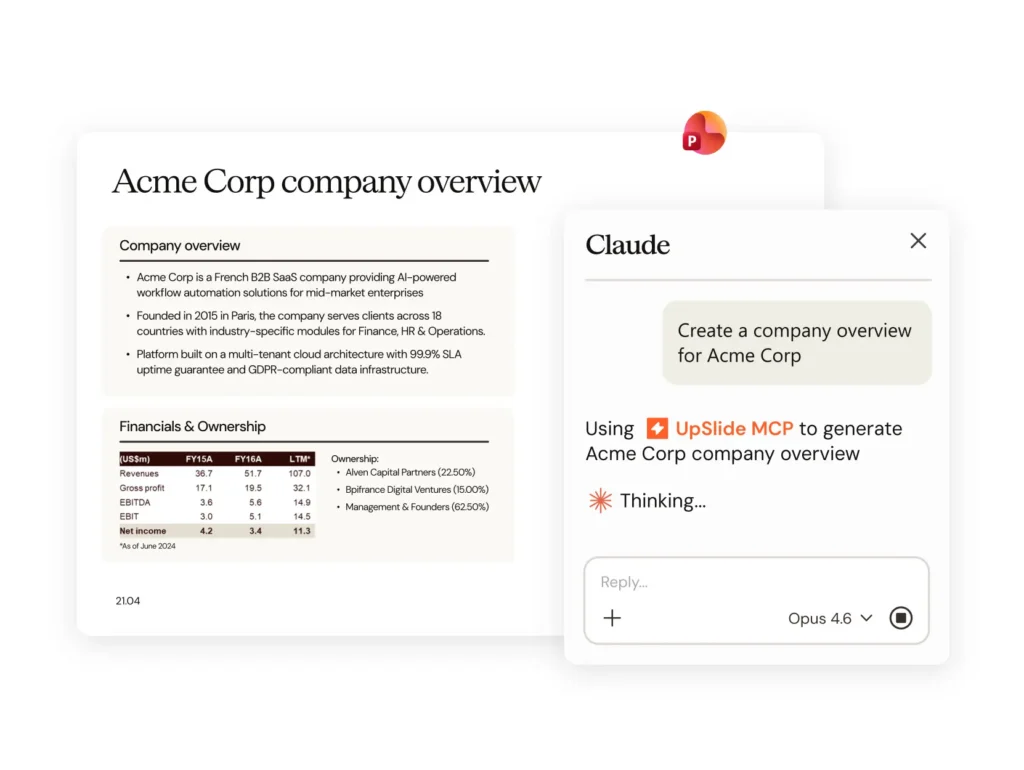



Welcome to UpSlide’s new feature round-up! Here are some recent product updates that will further streamline your report creation in Microsoft 365.
Export Your Power BI Visuals to Word and Update Them in Seconds
Our Power BI to PowerPoint Link is one of our most-loved features, enabling you to tell more inspiring stories with your data.
We’ve been working behind the scenes to make it even better, as you can now export and update your Power BI visuals in Microsoft Word too!
UpSlide’s Power BI to Word Link will help accelerate the creation and maintenance of your reports, exporting Power BI pages or visuals to Word in seconds.
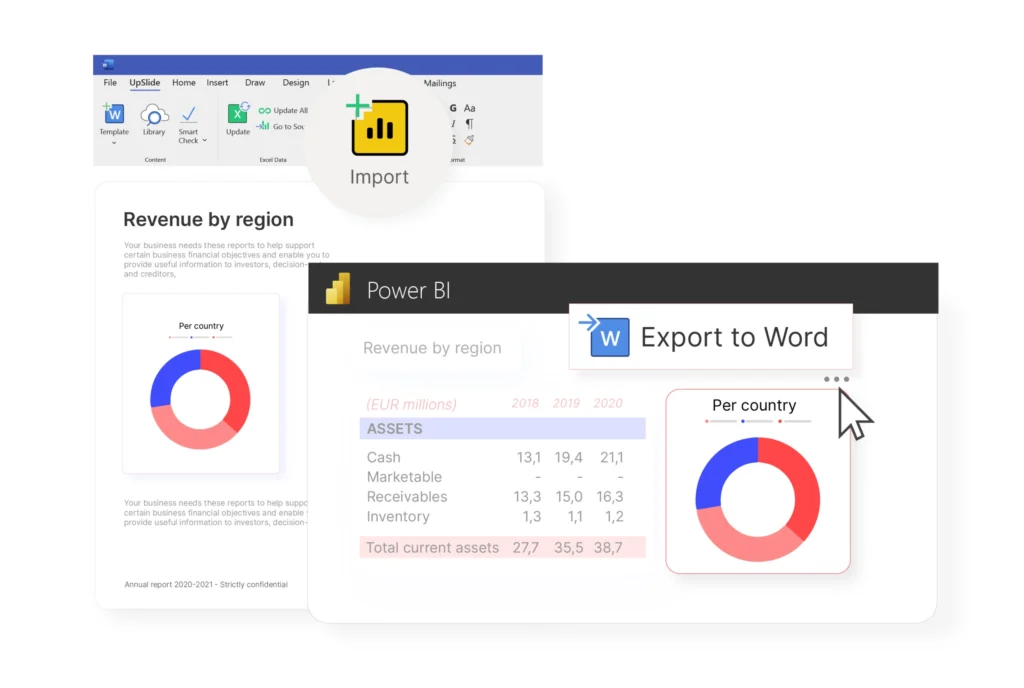
You’ll never need to worry about presenting inaccurate data within your reports, as you can update your entire document or selected visuals with real-time data from within Word.
Also, to save even more time when creating your reports, you can edit time-interval and categorical slicers directly from within Word to present data from different quarters or clients in seconds.

Plus, you can remain confident that your data is safe. UpSlide will never require access to your data – all ownership and mechanisms will always stay within your organization.
Discover the quick and easy ways to export Power BI to Word
Format Tables, Shapes and Bullet Points in PowerPoint With One Click
We’ve updated our PowerPoint Formatting Features so that you can create perfectly branded presentations in seconds.
Our new Paragraph button enables you to quickly apply pre-set bullet styles within a text box in PowerPoint. They are customized to your organization’s graphic charter so that you always remain brand compliant.
We’ve also added two more buttons to our PowerPoint Formatting Features: Table and Shape. Select these buttons to instantly apply formatting to existing tables or shapes within your PowerPoint presentation.
You can also preview all styles in a drop-down before you select them, making formatting a breeze.

Find out what else you can do with our Formatting Features
Source Tombstones and Team Bios Even Faster
We’ve updated our Dynamic Libraries to make searching for past transactions or team biographies even easier. Say you’re regularly searching for M&A deals conducted by your London team; before this update, you’d have to reapply these filters each time you open PowerPoint. Now, your recent filter search will be saved automatically, even when you close and re-open PowerPoint.
Plus, we’ve introduced a new search functionality within the filter drop-down so that you can quickly type the result you want to show.
Searching by date? To save time, you can also enter the years in numbers directly into the text field.
Coming Soon: A brand New Slide Converter
Keep your eyes peeled as we’ll release our brand new Slide Converter by the end of 2022. This new feature will enable you to:
- Convert slides and templates more efficiently (including bullet points, margins and color schemes)
- Enjoy easy access and smoother UX
- Edit your Slide Converter settings with ease
Going through a rebrand and need to convert slides efficiently? Reach out to your consultant to get early access and test this feature before the release date.
If you’d like to stay in the loop with all product updates, be sure to sign up to our newsletter and follow us on LinkedIn so you never miss a trick.