Streamline workflows from modelling to final delivery with Excel automation for finance. Build models faster, create charts instantly, and update linked data across Microsoft 365.
Insert common formulas such as CAGR in one click, manage scenarios by preserving or duplicating formulas, and navigate large models with ease.
Audit Models Efficiently - AI Generated or Not
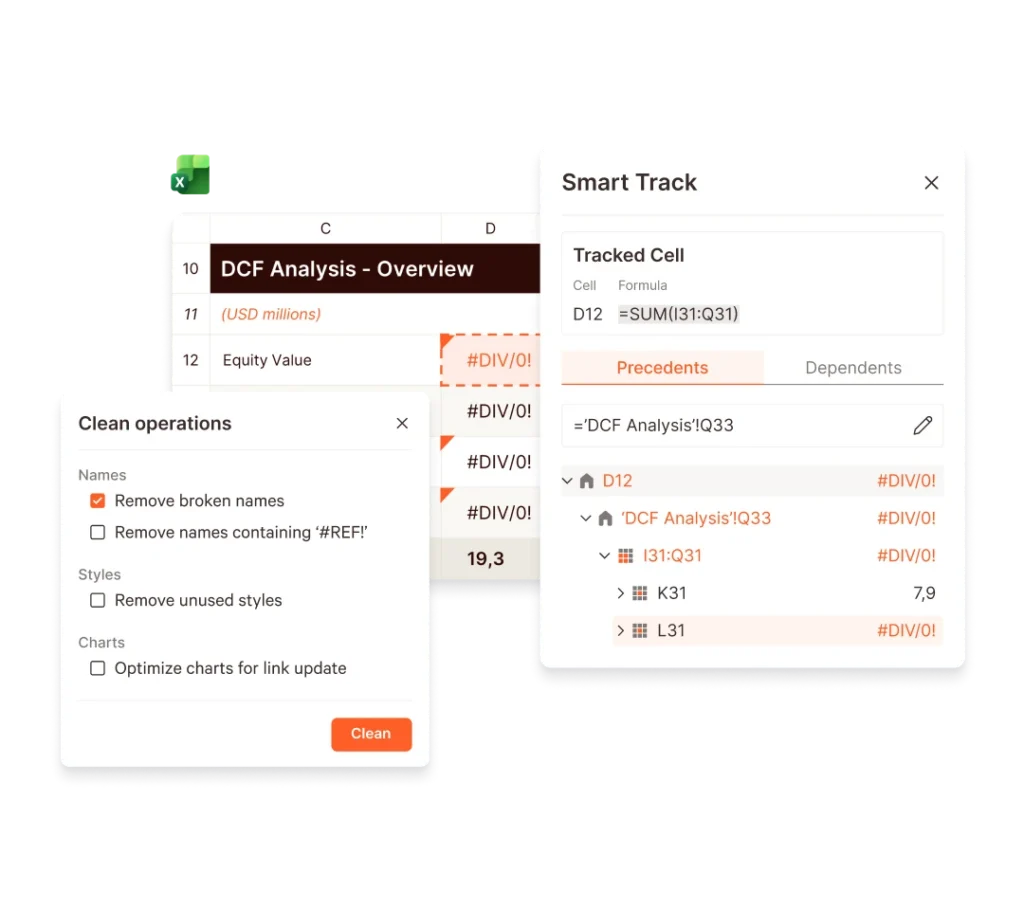
Trace assumptions and dependencies with Smart Track, and spot inconsistencies fast using Formula Audit. Autocolor identifies inputs, calculations, and outputs for faster review.
Prepare Data for Confident Sharing
Clean and finalize workbooks by cropping ranges, replacing formulas, and standardizing formatting so models are clear and ready for sign-off.
Create Complex Charts in Seconds
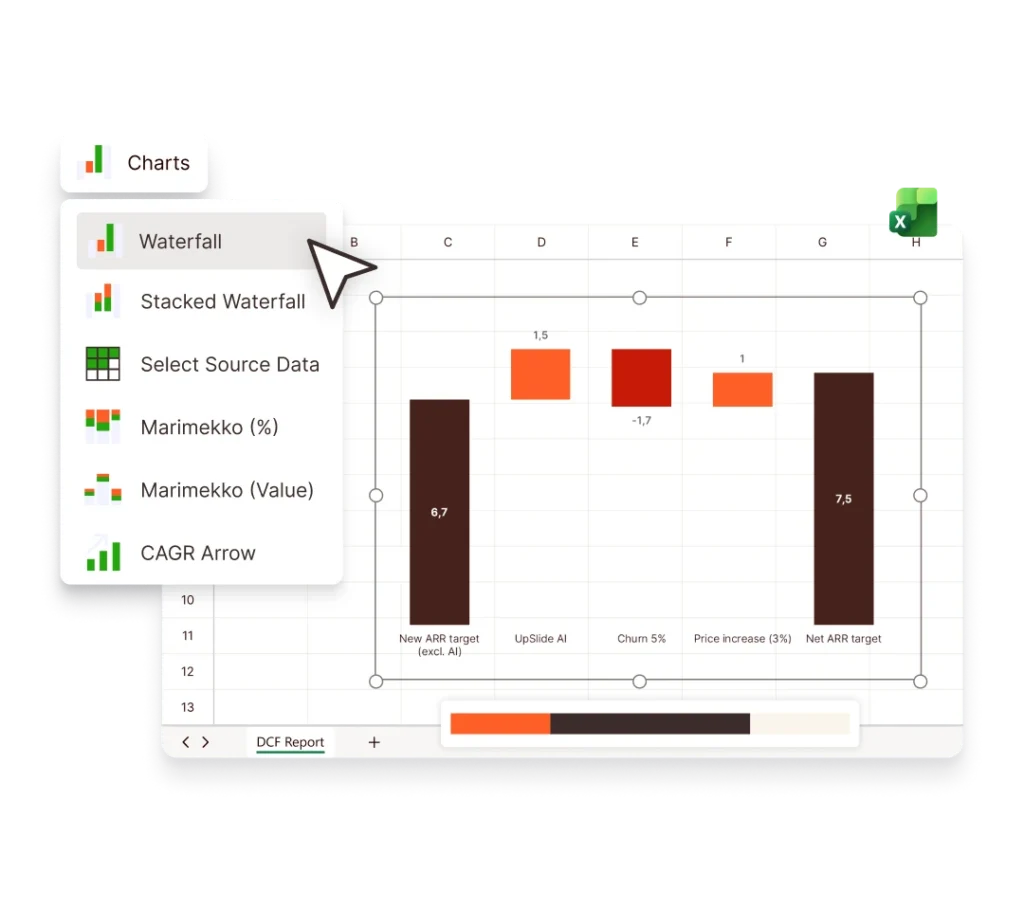
Build advanced financial charts like waterfalls, stacked waterfalls, and Marimekko directly from Excel data. Add elements such as CAGR arrows in one click – no manual formatting required.
Turn Data into Clear Insights
Use accurate, high-impact visualizations for cash flow bridges, market share analysis, and variance reporting, helping insights land clearly with clients and internal stakeholders.
Keep Every Chart On-Brand
Automatically apply your firm’s fonts, colors, and formatting to every chart. Custom automation tools enforce your graphic charter across Excel, PowerPoint, and Word – without manual checks.
Update Data in One Click
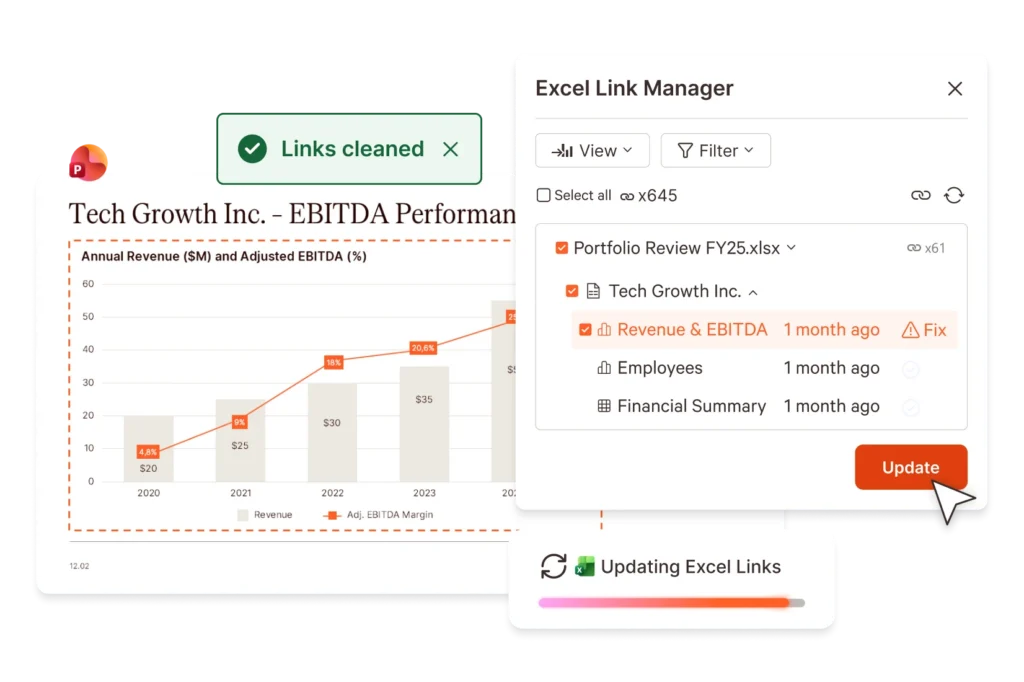
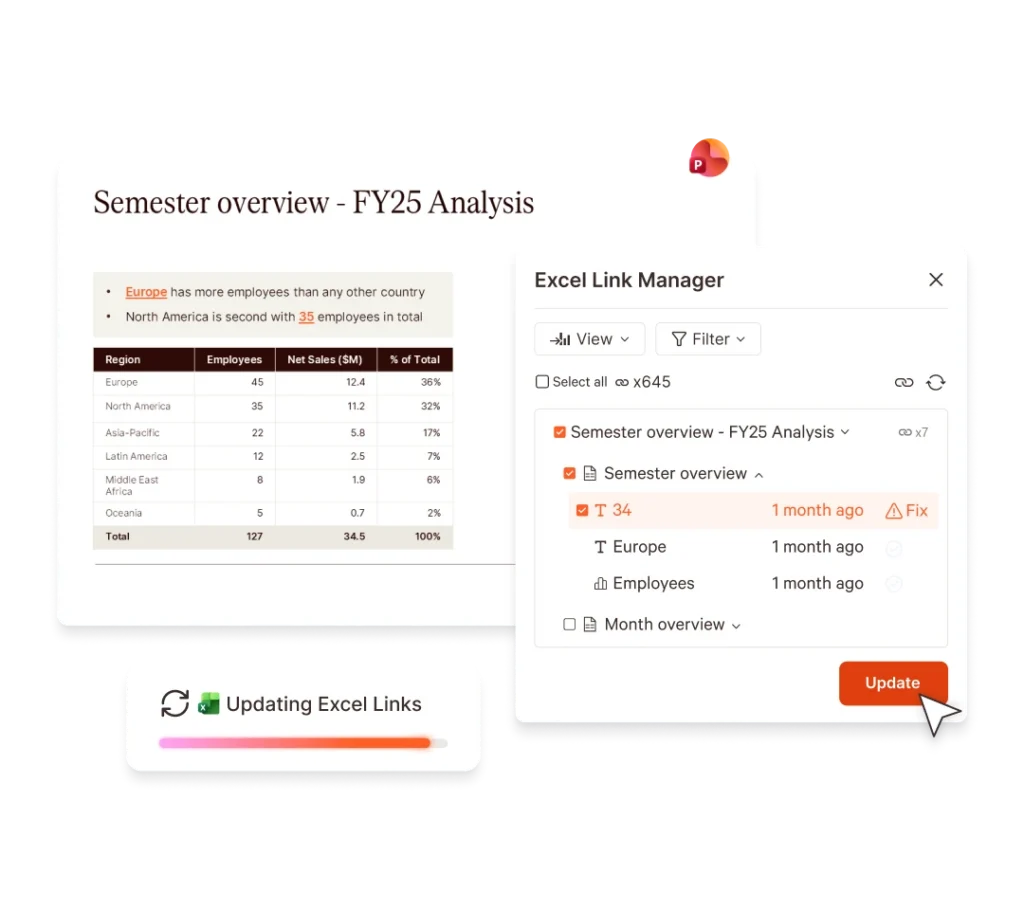
Link tables, charts, and text from Excel to PowerPoint or Word in seconds. When data changes, refresh selected items, or update hundreds of linked data points at once.
Stay in Control of Every Link
Use the Excel Link Manager to filter links by update status, type, or owner. Quickly spot outdated data or conflicting sources before issues reach clients or ICs.
Reuse Reports Without Rework
Duplicate existing reports and update selected Excel links for a new period in just a few clicks. Create recurring pitchbooks, board packs, or reports without rebuilding slides.
Power Every Team with One Platform
Financial Modeling Tools
Build, audit, and prepare robust Excel models faster with tools designed for structure, accuracy, and scale.
UpSlide acts as an additional member of our marketing team – one that we can trust to guarantee that our global teams will produce brand-compliant, high-quality deliverables.
Now teams have easy access to content via the Library, and receive materials from colleagues in a consistent format, it will eliminate unnecessary email chains and the duplication of work.