POWERPOINT LOgo finder
Insert Accurate, High-Quality Logos From PowerPoint
Give your team instant access to verified, high-resolution company logos in PowerPoint – so they can build polished slides faster.
Get Deliverables to Clients Faster
Any analyst or associate can find, insert, and arrange multiple logos in a few clicks – no trawling search engines or old slide decks.
Make ‘Client-Ready’ Effortless
Every competition landscape, peer analysis, and portfolio looks polished, without any out-of-date, low-resolution logos.
Adapt Rapidly Under Pressure
Need to add, remove, or rearrange logos? One-click formatting tools make last-minute reshuffles simple.


Logos That Meet Your Firm’s Standards, Without Manual Searching
Easy access to thousands of high-resolution corporate logos in Microsoft 365 makes it easy to create clear, impactful slides.
Insert Multiple Logos in Seconds
Teams can create competition landscapes, pitch decks, and proposals faster than ever – no frantic searching, even when they’re rushing to meet a deadline.
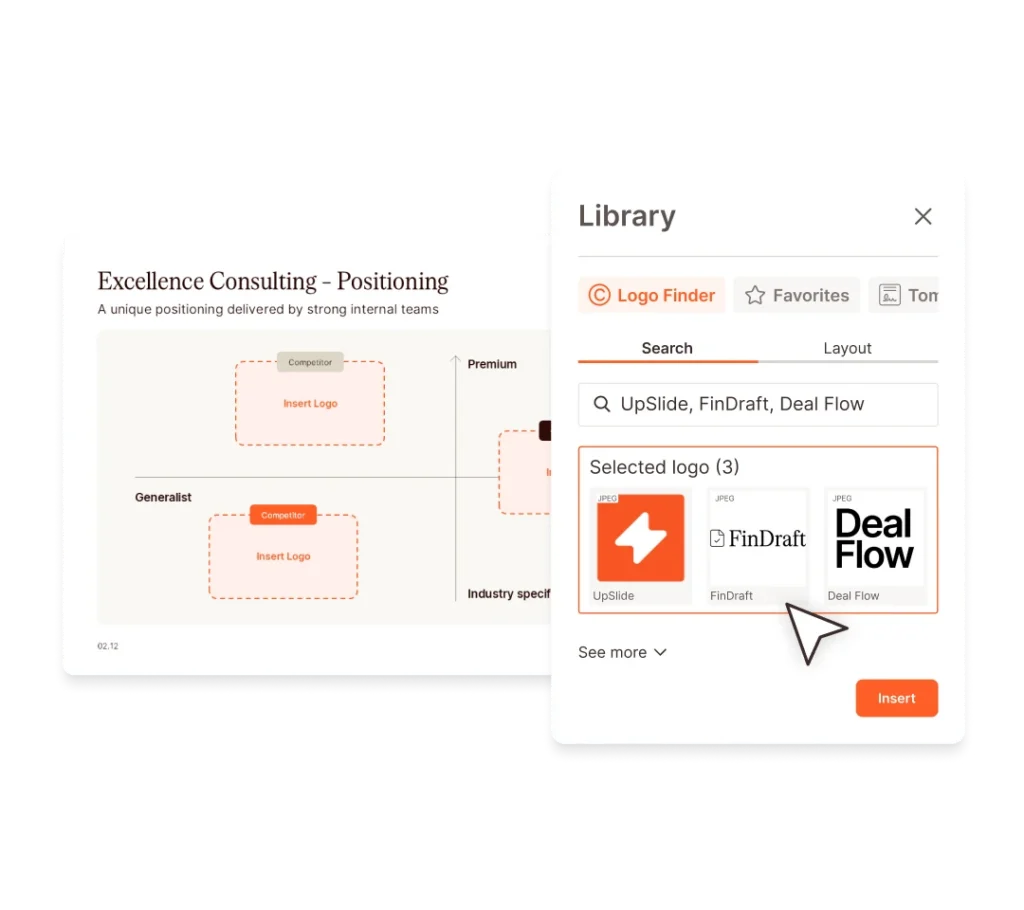
Teams can paste a list of companies directly into the search bar. Logo Finder will present a list of pre-selected logos, ready to insert all at once with a single click.
Choose the Perfect Format and Version of Every Logo
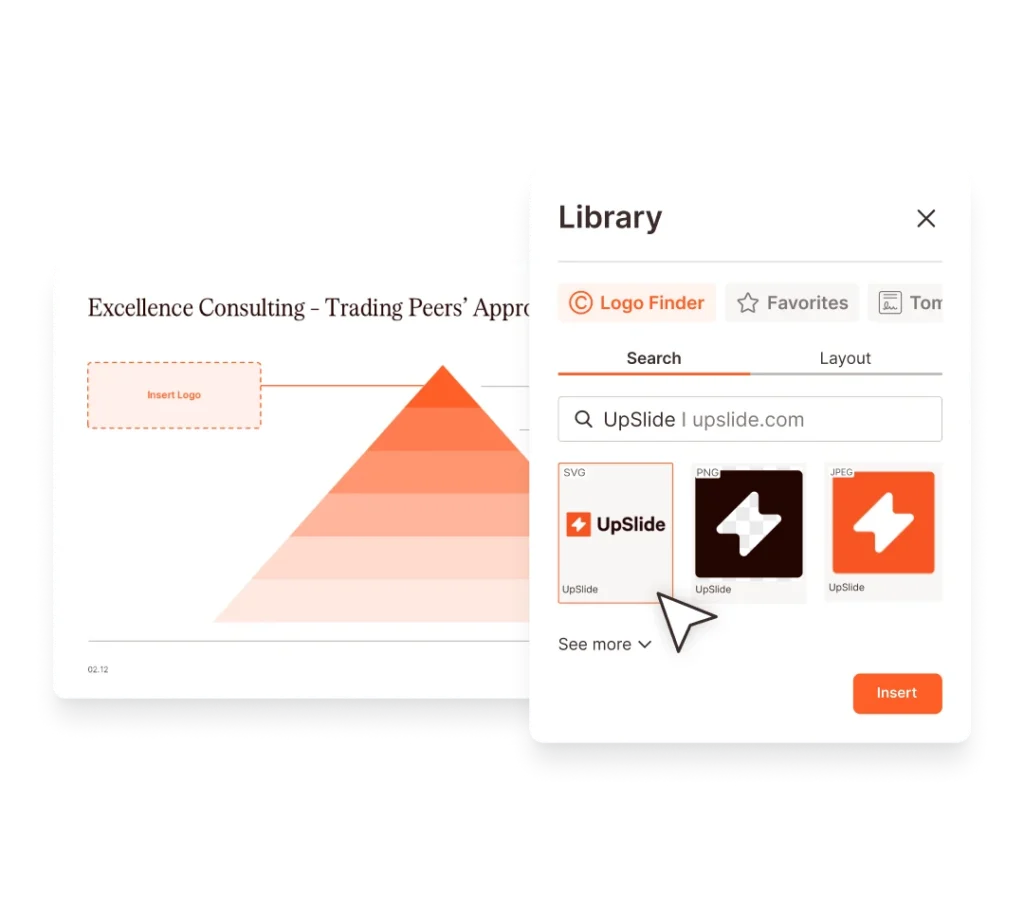
Teams can choose between SVG, PNG, or JPG and find logos that fit your firm’s formatting guidelines and slide context precisely – from transparent backgrounds to grayscale or stacked logo styles.
Automate Logo Formatting To Guarantee Consistency
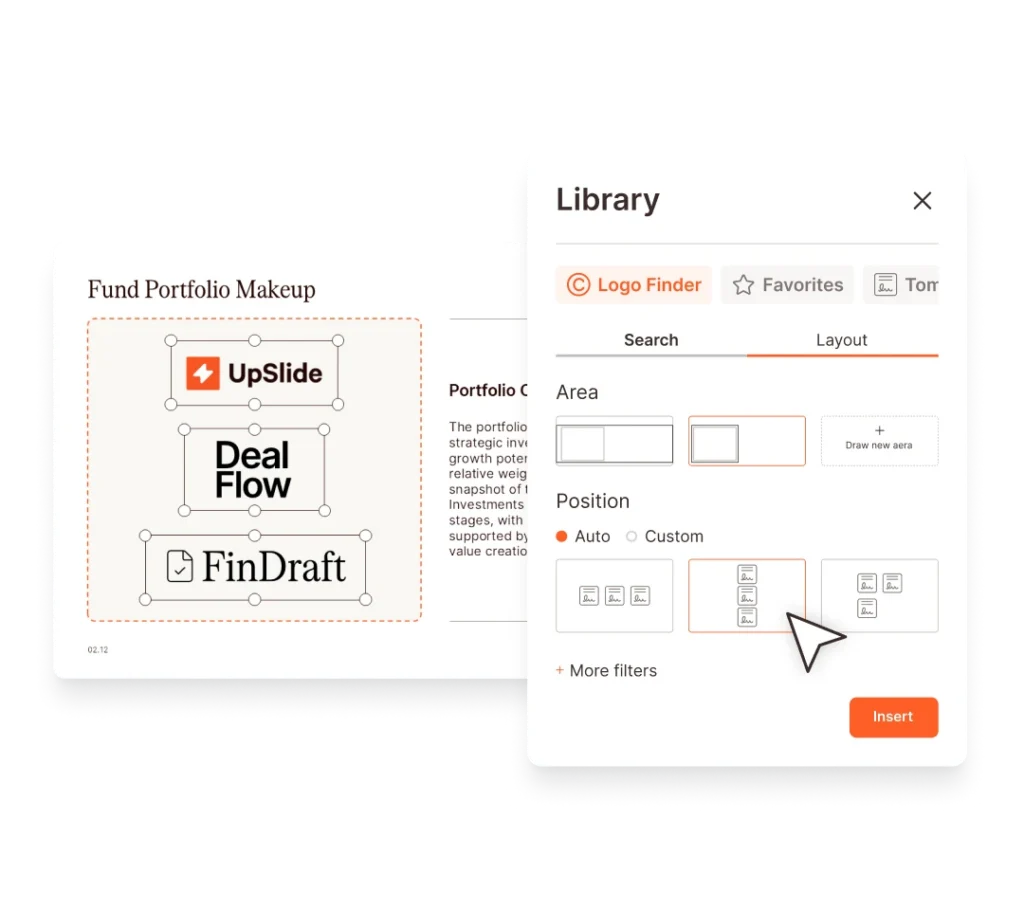
Logo Finder automatically resizes and arranges multiple logos to fit the slide or an existing placeholder. Teams can also use UpSlide’s PowerPoint Formatting tools to align logos, swap logo positions, and match formatting with other shapes.
That means rapid, intuitive slide-building – with no accidental misalignments or mismatched logo sizing across your pitches and memos.
UpSlide has been useful in saving everyone’s time. Having access to standardized templates and a centralized content library has helped us collaborate better – especially on cross-border projects.
Yuiko Kawabata,
Operations Lead
BDA Partners
UpSlide allows us to focus on the most important parts of our jobs. It runs seamlessly in the background and is intuitive to use.
The tool is so integrated into our processes now that you forget it’s even an add-in!
Aakash Kotak, Associate
Campbell Lutyens
We now have company-branded slide decks, templates, images, icons and assets stored in one centralized place that are readily available for our teams to use.
Samantha Cottle,
Marketing Director,
Clarksons
Make 'Gold Standard' Effortless for Everyone
Logos are one piece of the puzzle. Complete the picture with branded templates, best-practice slides, tombstones, bios, and testimonials – all stored directly in Microsoft 365.
Let’s Leave Blurry, Out-of-Date Logos Behind
Make high-quality logos, arranged for maximum impact, the default across all your deliverables.
FAQs
How is Logo Finder Different to UpSlide's Dynamic Tombstones Library?
Logo Finder is ideal for building competition landscapes or due diligence reports for logos not in your portfolio. It offers a range of company logo styles and formats and automatically keeps logos up to date, saving time managing a logo database in-house.
The Dynamic Tombstone Library helps you include existing credentials and tombstones in pitch books and present them as case studies, tombstones, or individual logos. It also lets you maintain full control of your tombstone database, with no third-party involvement.
What Formats Are Available for Company Logos?
Logos can be inserted in multiple formats, including SVG, PNG, and JPG, so you can choose the format that best fits your presentation or report.
Can I Insert Multiple Logos at Once?
Yes. Logo Finder allows you to search and insert several logos at the same time, which is particularly useful when creating competition landscapes or buyer lists in pitch books.
What Happens If The Logo I Need Isn’t Available?
If a logo is missing, you can request it directly from the interface, and it will be added to the database so you can use it immediately and in the future.
How Secure is UpSlide?
Leading financial firms trust UpSlide thanks to our stringent security measures. We successfully completed a System and Organization Controls (SOC) 2 Type II audit, reflecting our commitment to the highest standards of security, availability, processing integrity and confidentiality.
We perform a security audit of our code before every release, use automated and manual testing to ensure each version meets strict quality and security standards, and integrate vulnerability management tightly within our development processes. UpSlide also integrates within your infrastructure, enabling you to keep full control of it. Even if you choose to use a cloud source for your library content, we still have zero visibility of your data.
How Much Does UpSlide Cost?
UpSlide prices depend on the number of licenses you require, the options you want and your setup model. If you want to know how much UpSlide would cost for you, please get in touch with us and our team will be happy to give you a personalized quotation.